Digital Walls — Visual Catalogue
Master index of walls, items, moodboards, style lanes, and past product shots already in the repo. Use this to browse what exists before commissioning new art.
| Section | What it is | Where |
|---|---|---|
| Identity moodboards | Three brand directions | docs/visual-reference/ |
| Style lanes | NES / SNES / Maple / Lofi research | docs/visual-reference/style-lane-catalogue/ |
| External inspiration | Live third-party room references | docs/visual-reference/external-inspiration/ |
| Concept boards | Early Garden Terminal art direction | docs/visual-reference/, screenshots/ |
| Walls | Room / visit compositions | screenshots/, marketing/shots/ |
| Items & catalogs | Object sheets + in-app catalog UI | screenshots/, assets/objects/ |
| Production assets | Live SVGs / PNGs used by the app | assets/ |
| Marketing shots | Locked website/social kit | marketing/shots/ |
| Smoke bold | Bold Maple/Hearth smoke walls + objects | docs/visual-reference/smoke-bold/, assets/objects/smoke-bold/ |
| ChatGPT intake | Full-fidelity ChatGPT / iCloud masters (archived) | `visual-reference/chatgpt-intake-2026-10-23/` |
| Design system | Art direction + packs for new sprites/rooms | `visual-reference/design-system/` |
Related docs: Visual identity moodboards · Style lane catalogue · External inspiration · Design system v1.1 · ChatGPT intake · Marketing shot kit
---
1. Identity moodboards
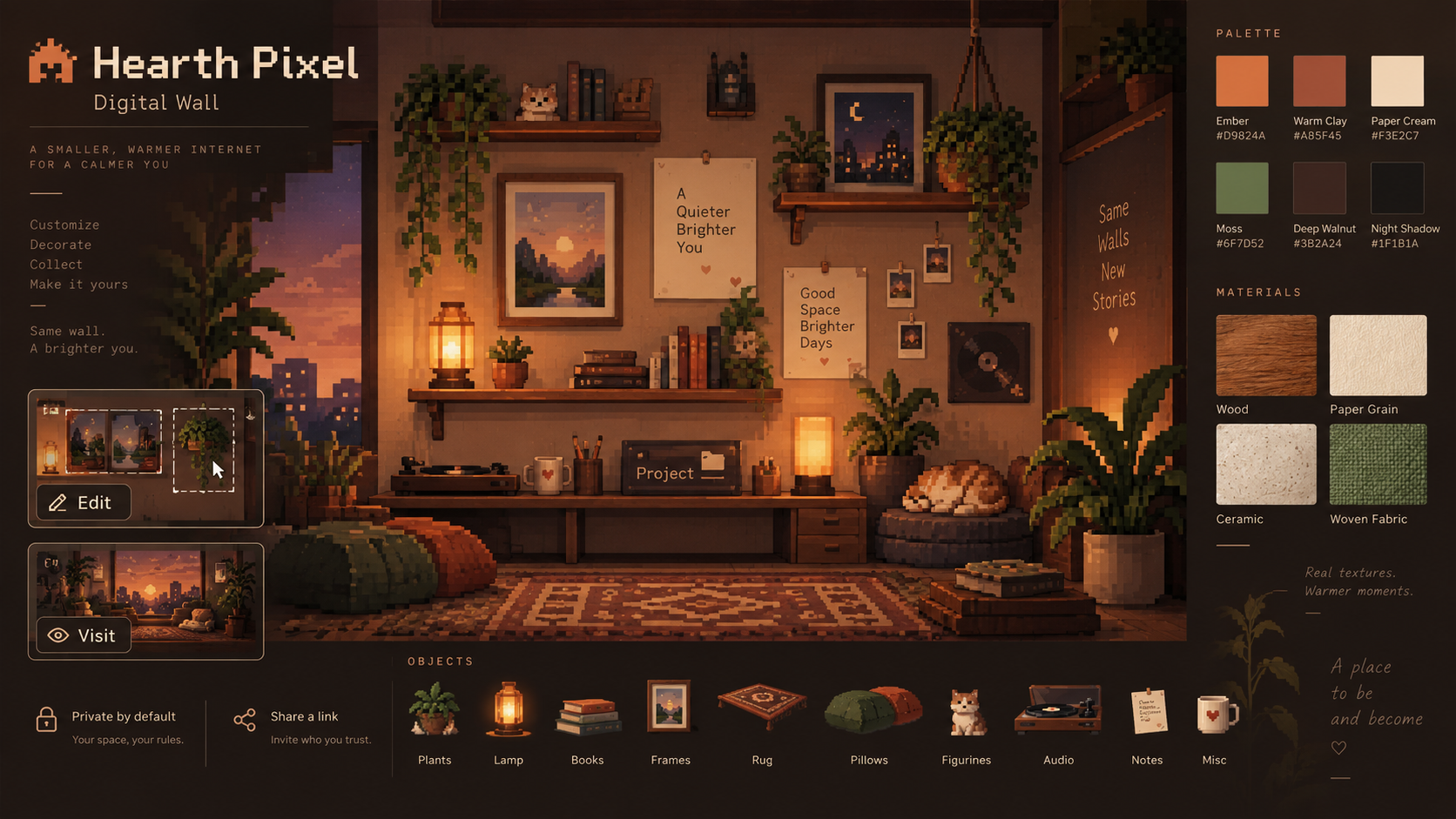
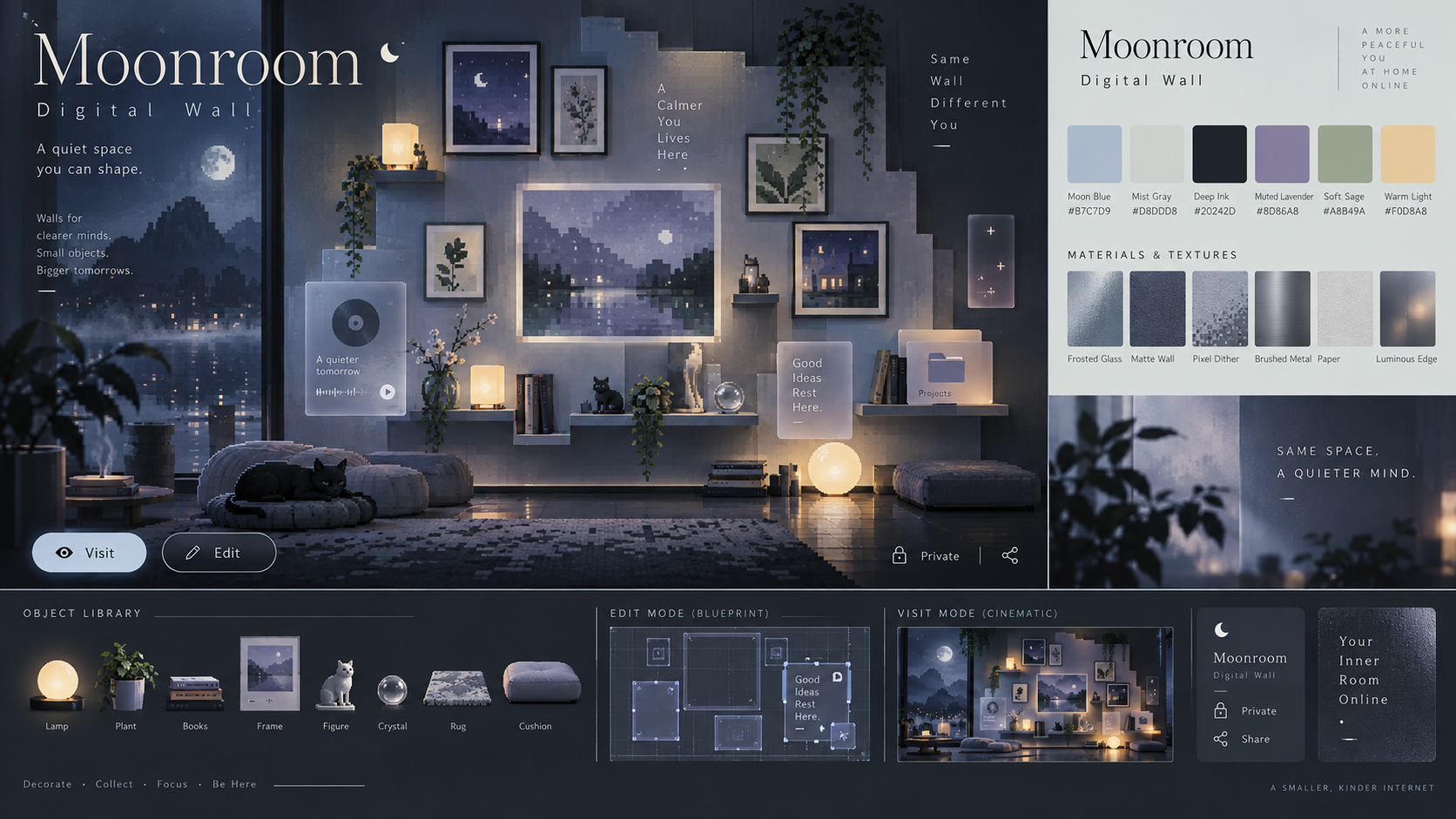
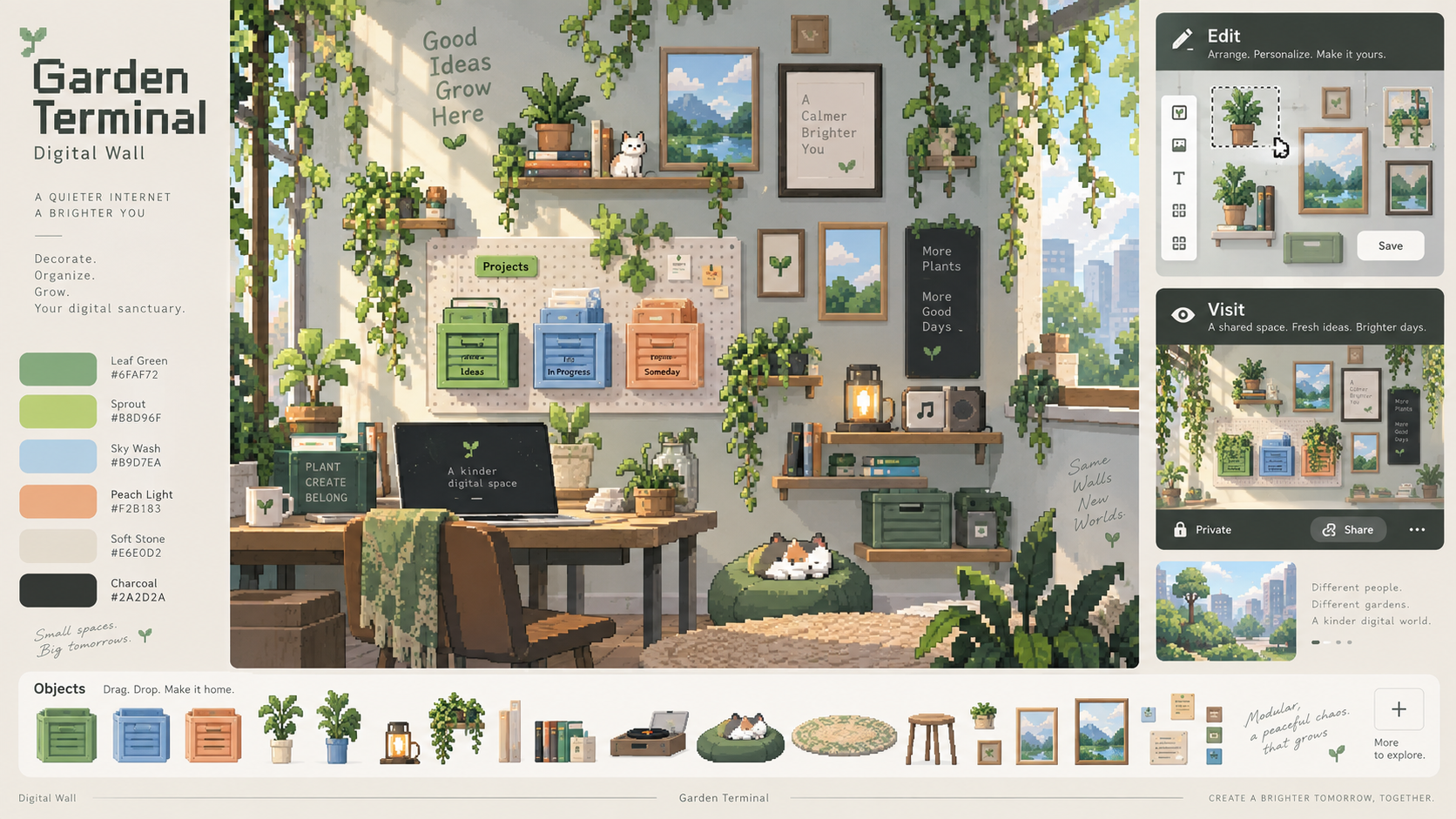
Three possible product identities (not times of day). Full write-up: VISUAL_IDENTITY_MOODBOARDS.md.
| Direction | Feel | File |
|---|---|---|
| Hearth Pixel | Warm, cozy, amber light, lived-in wall | `hearth-pixel-moodboard.png` |
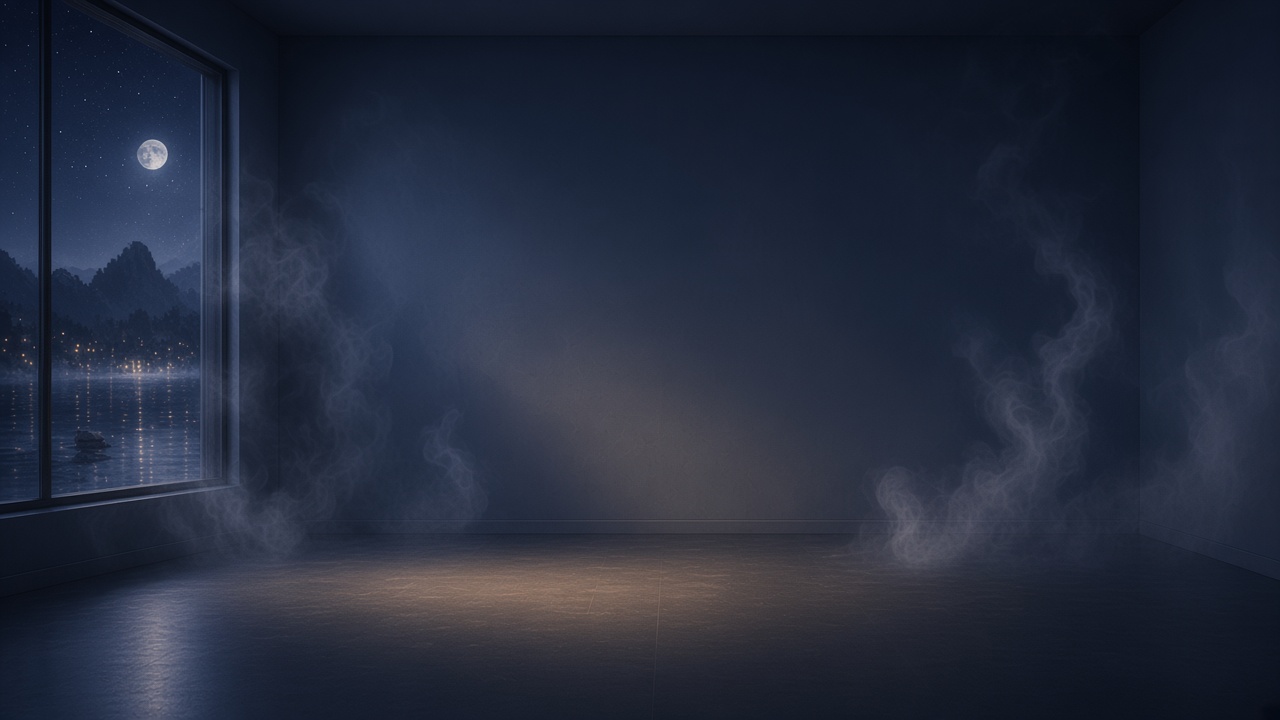
| Moonroom | Cool, quiet, premium night studio | `moonroom-moodboard.png` |
| Garden Terminal | Fresh, modular, playful workspace | `garden-terminal-moodboard.png` |
---
2. Style lanes (craft references)
Research boards for *how* to draw, separate from which brand identity wins.
| Board | Use |
|---|---|
| `style-comparison-four-lanes.jpg` | Same object in NES / SNES / Maple / Lofi |
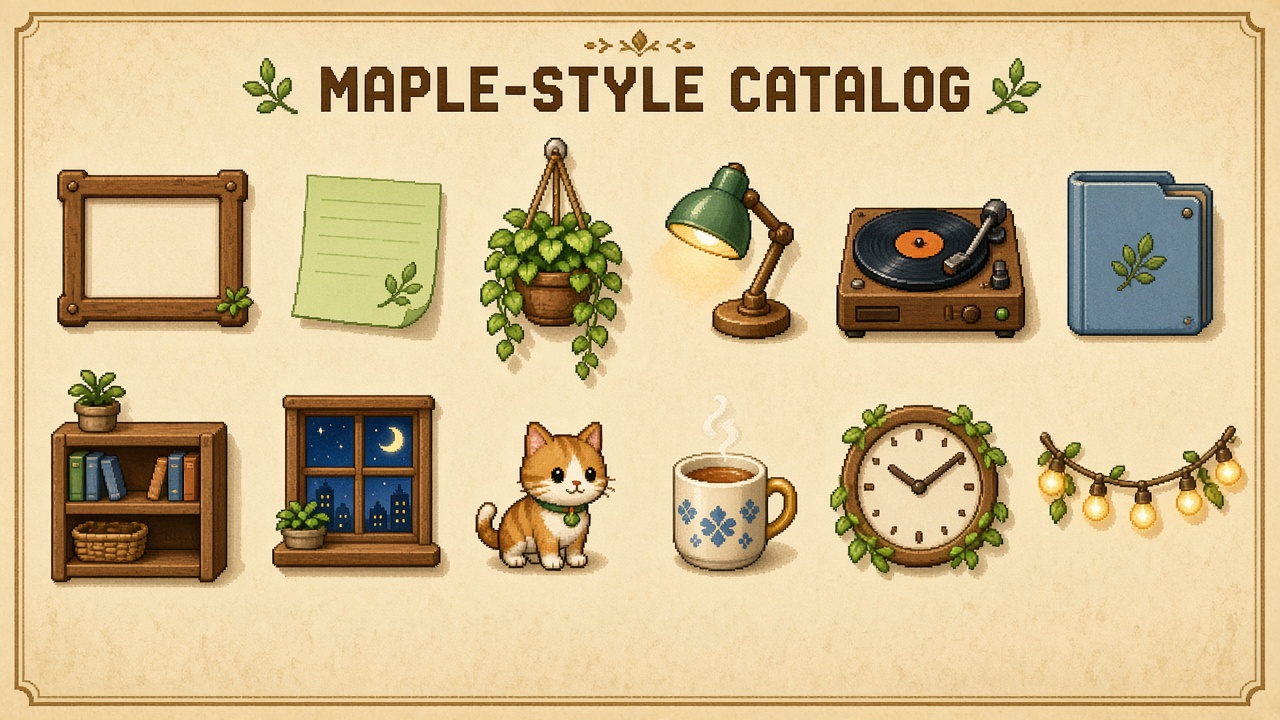
| `maple-wall-objects-catalog.jpg` | Maple-style catalog sheet |
| `lofi-room-atmosphere.jpg` | Visit-mode atmosphere target |
| `digital-walls-hybrid-modes.jpg` | Visit (Lofi) vs Edit (Maple UI) |
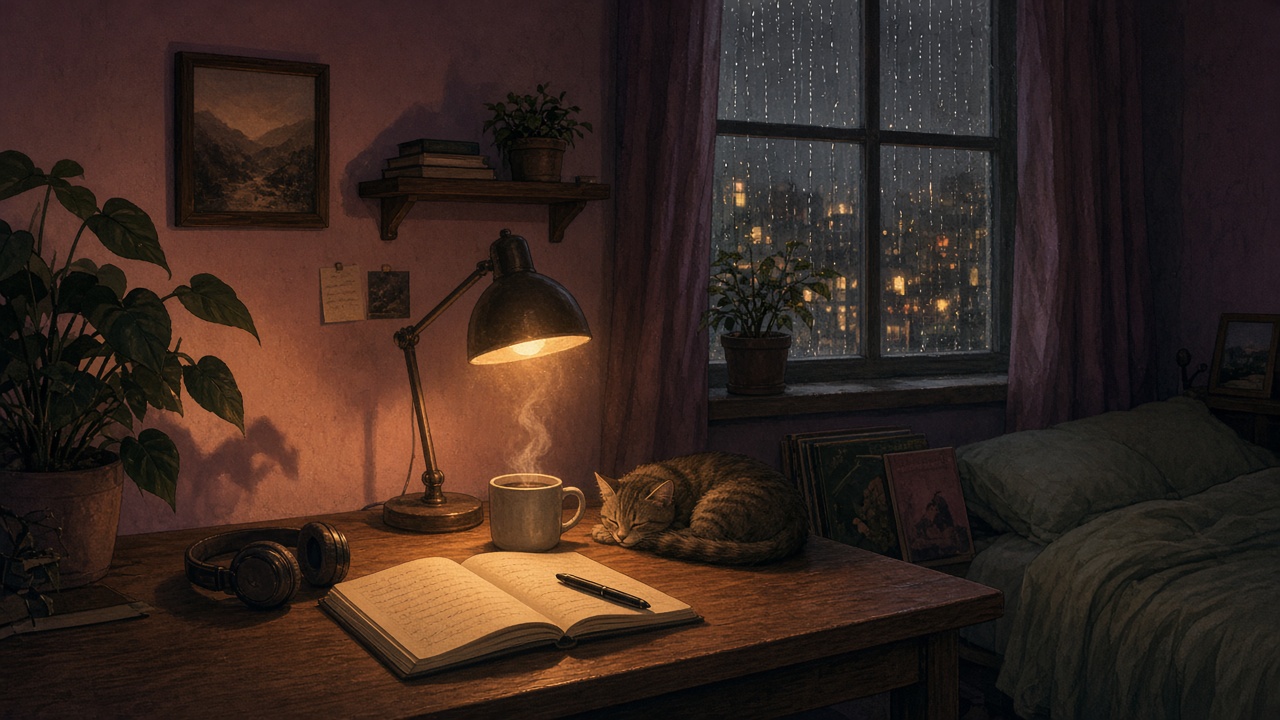
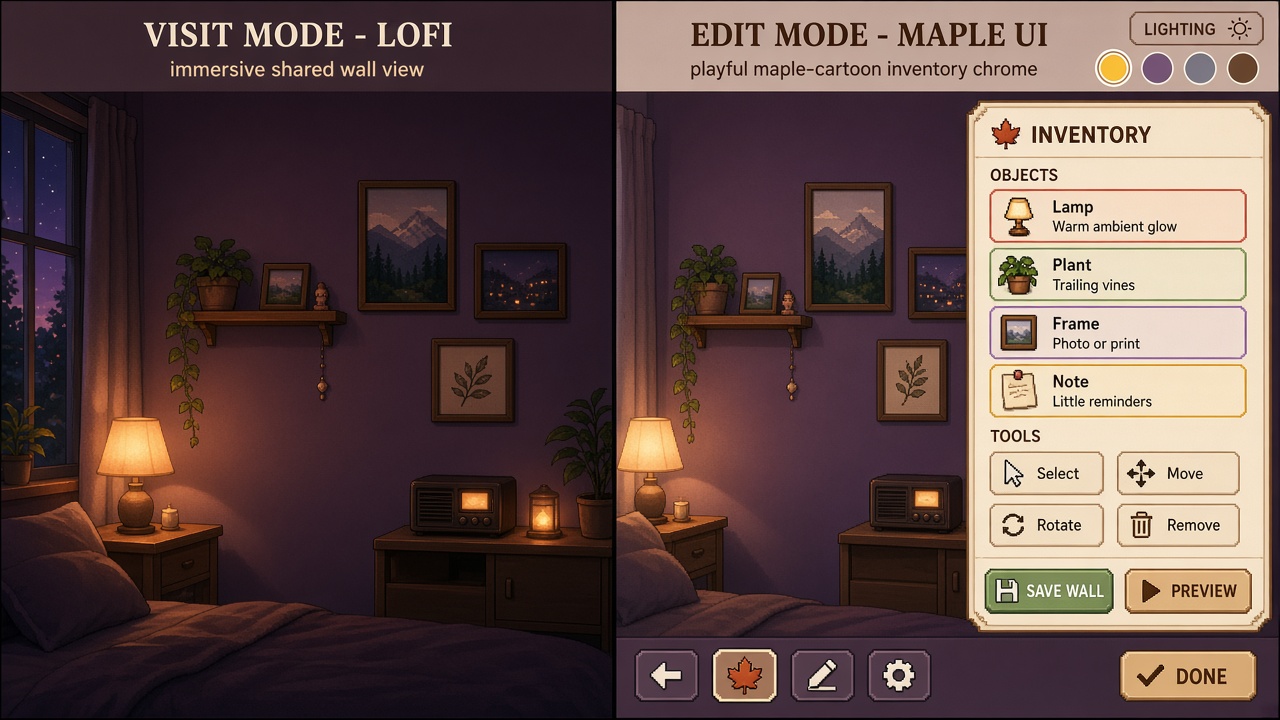
Details: style-lane-catalogue/README.md
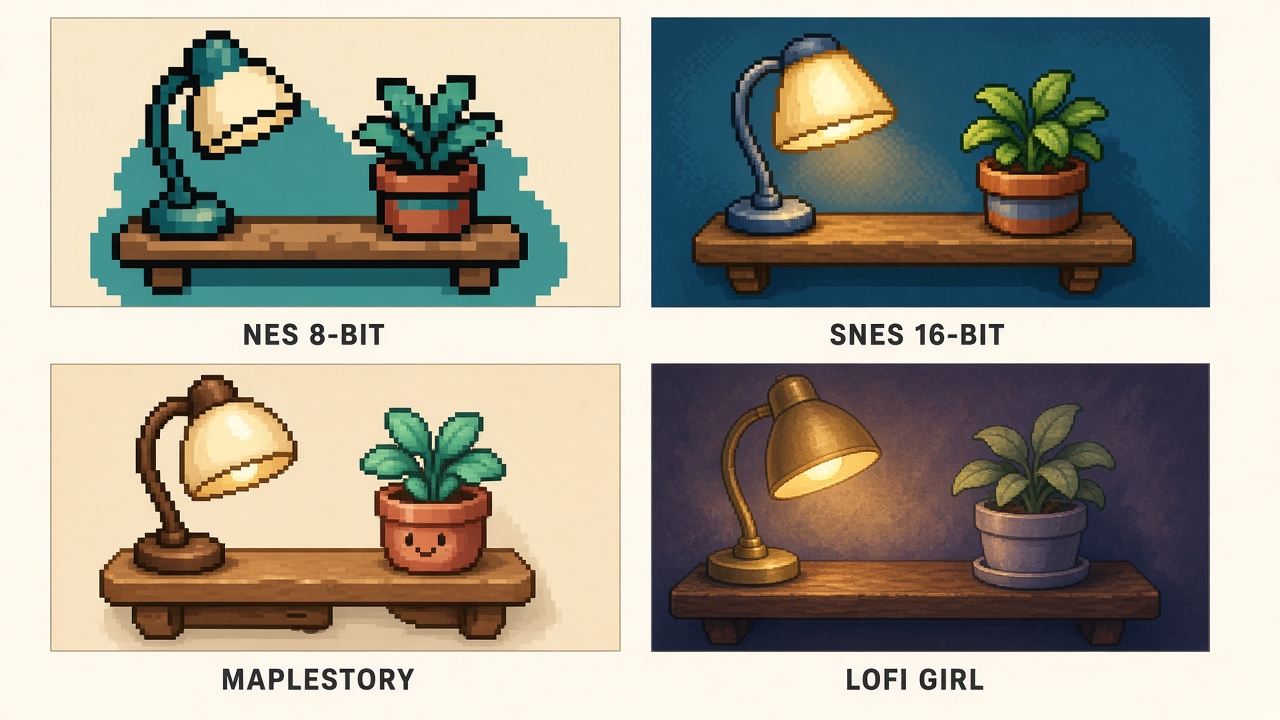
---
External inspiration
Third-party live references saved for visit-mode atmosphere, day-cycle, and object agency. Research only — do not copy assets.
| Reference | Why we saved it | Folder |
|---|---|---|
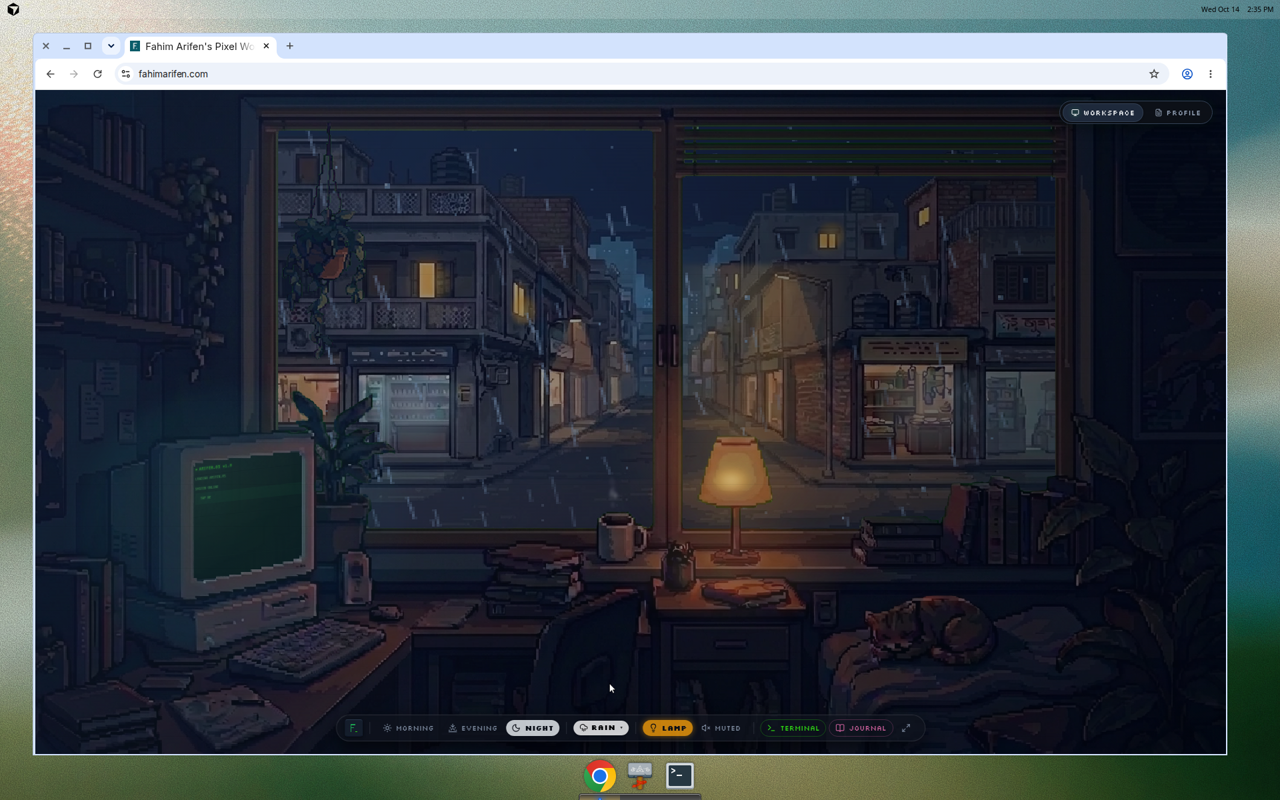
| Fahim Arifen Pixel Workspace | Full-bleed cozy pixel room; morning/evening/night × weather × lamp; CRT + journal nested in-scene; ambient audio | `external-inspiration/fahim-arifen-pixel-workspace/` |
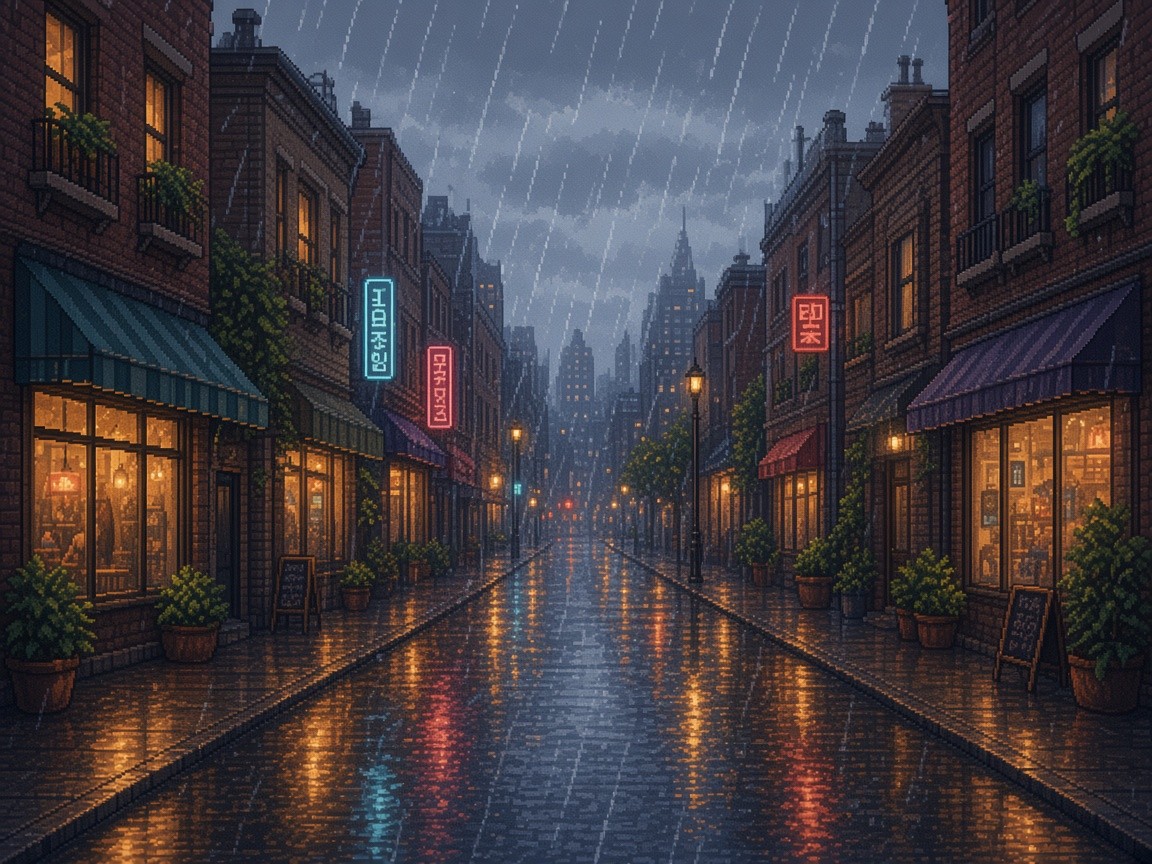
Hero combo from that reference (night + rain + lamp):
---
3. Concept boards
Earlier room mockups are also available in Studio under Room mockups:
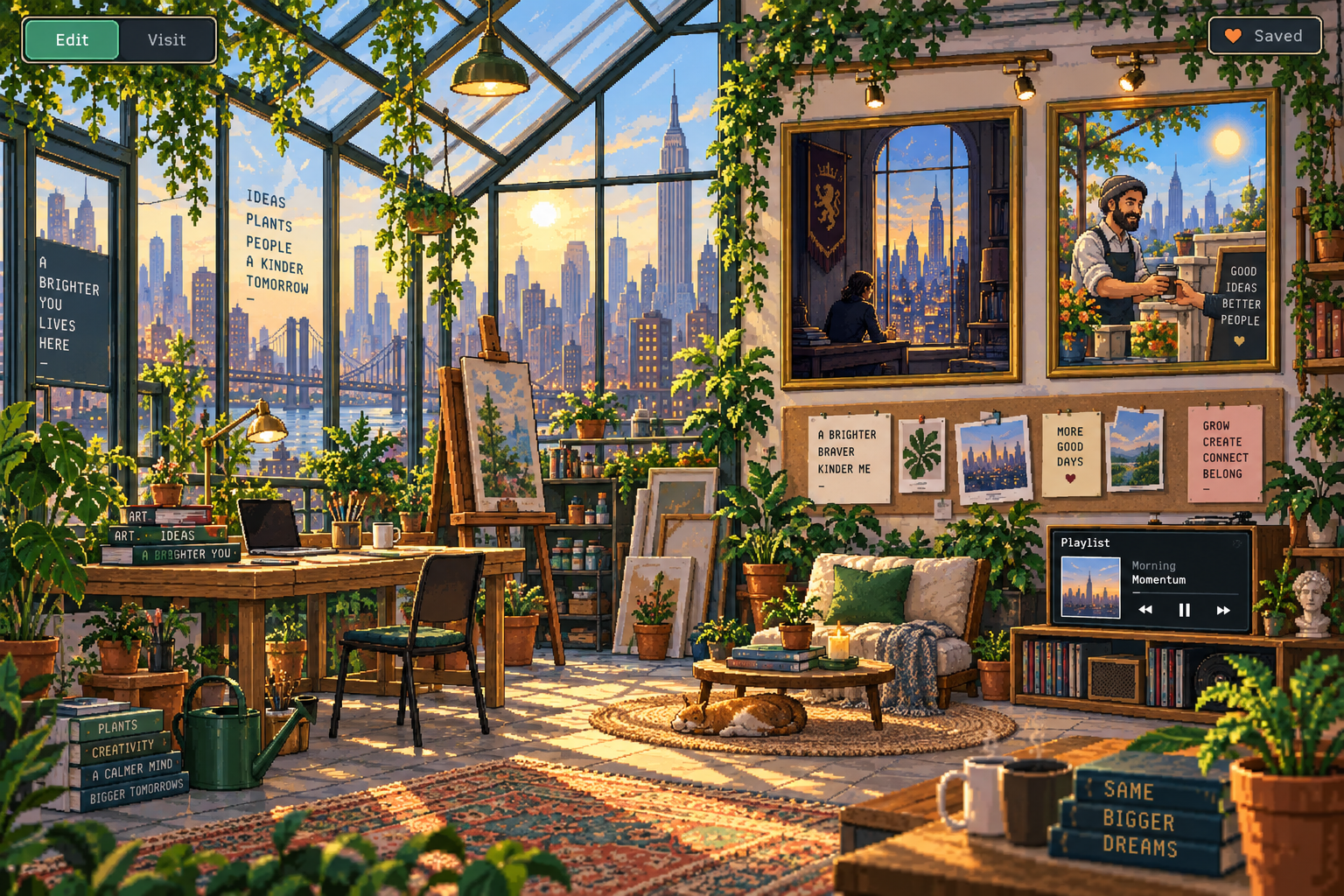
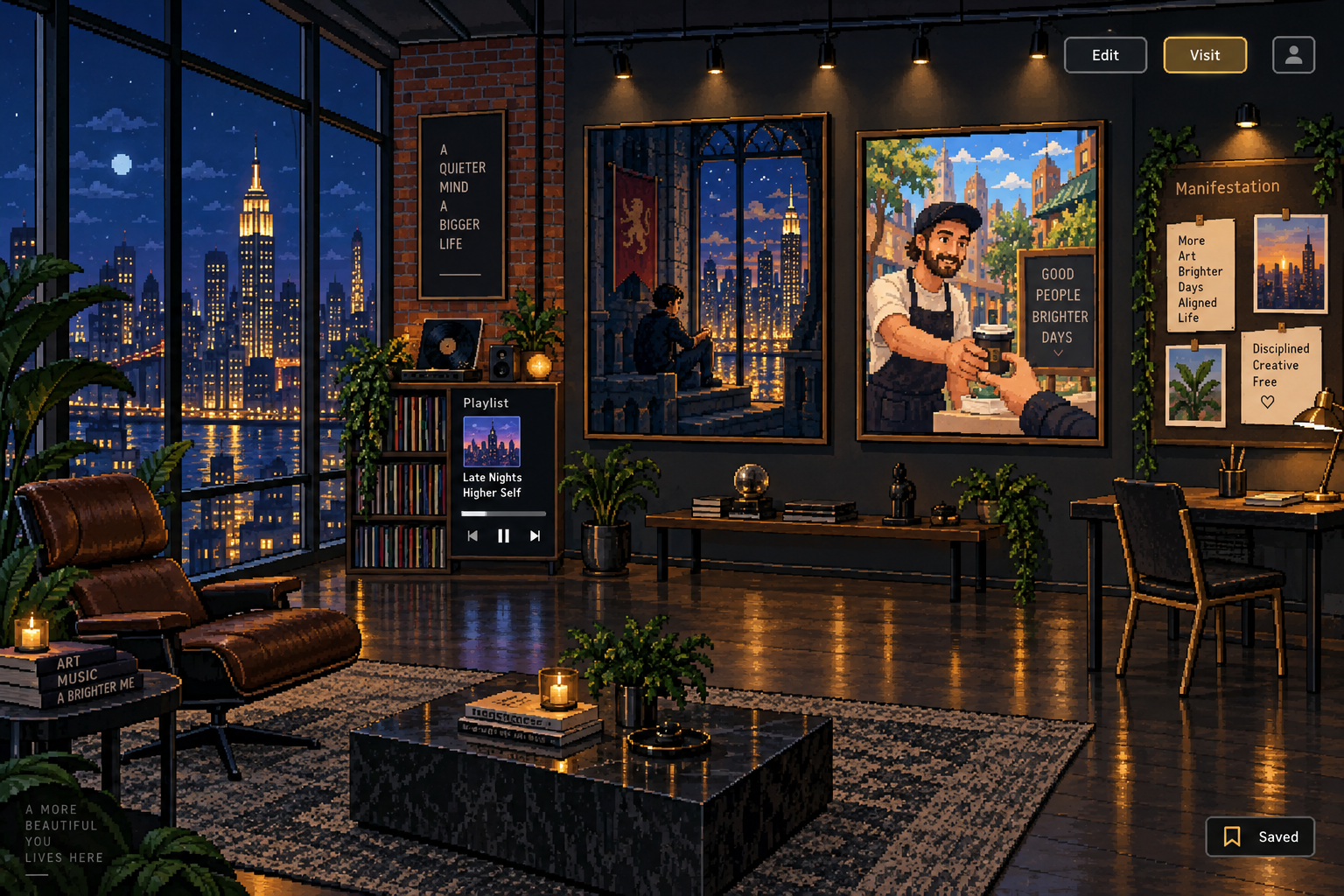
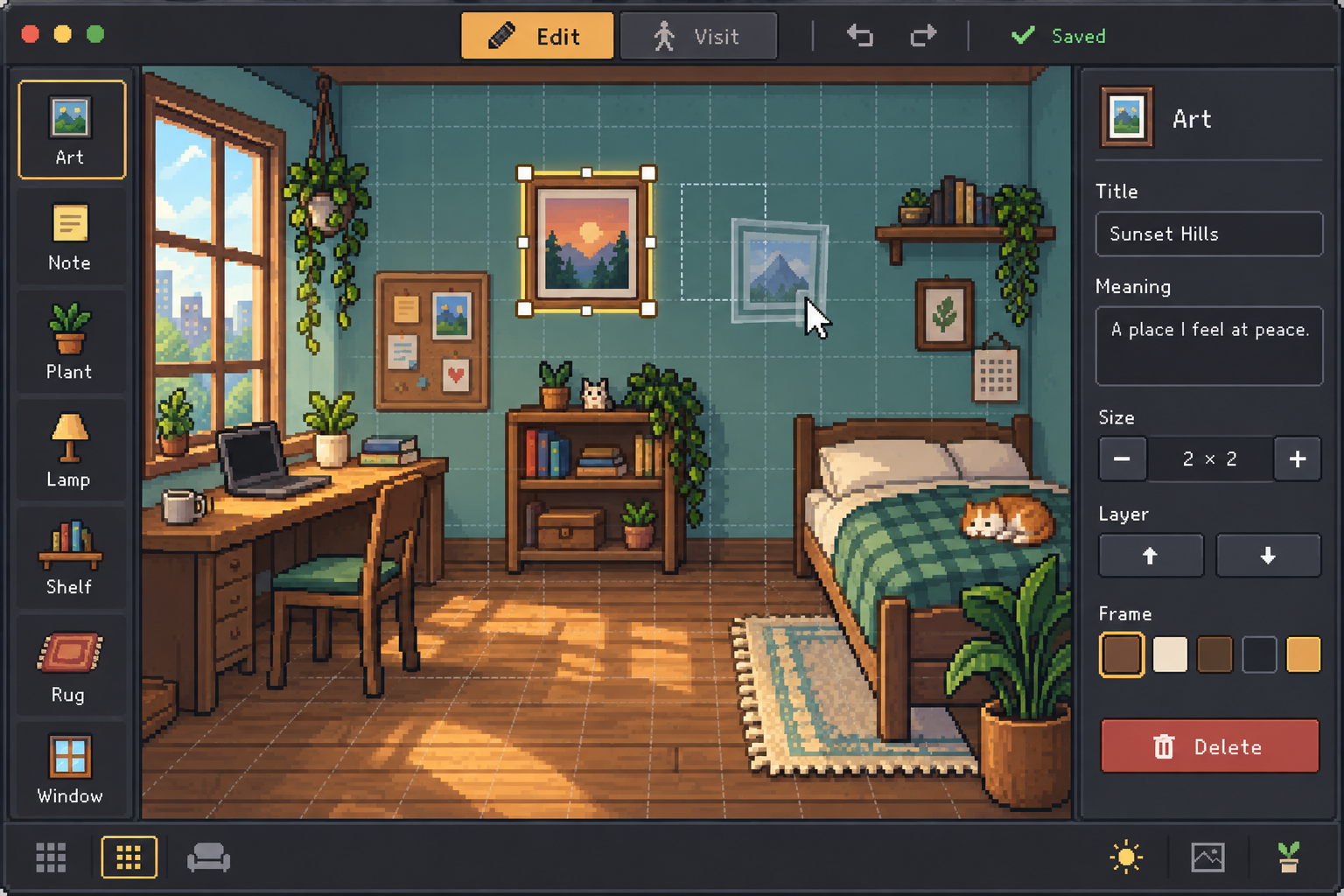
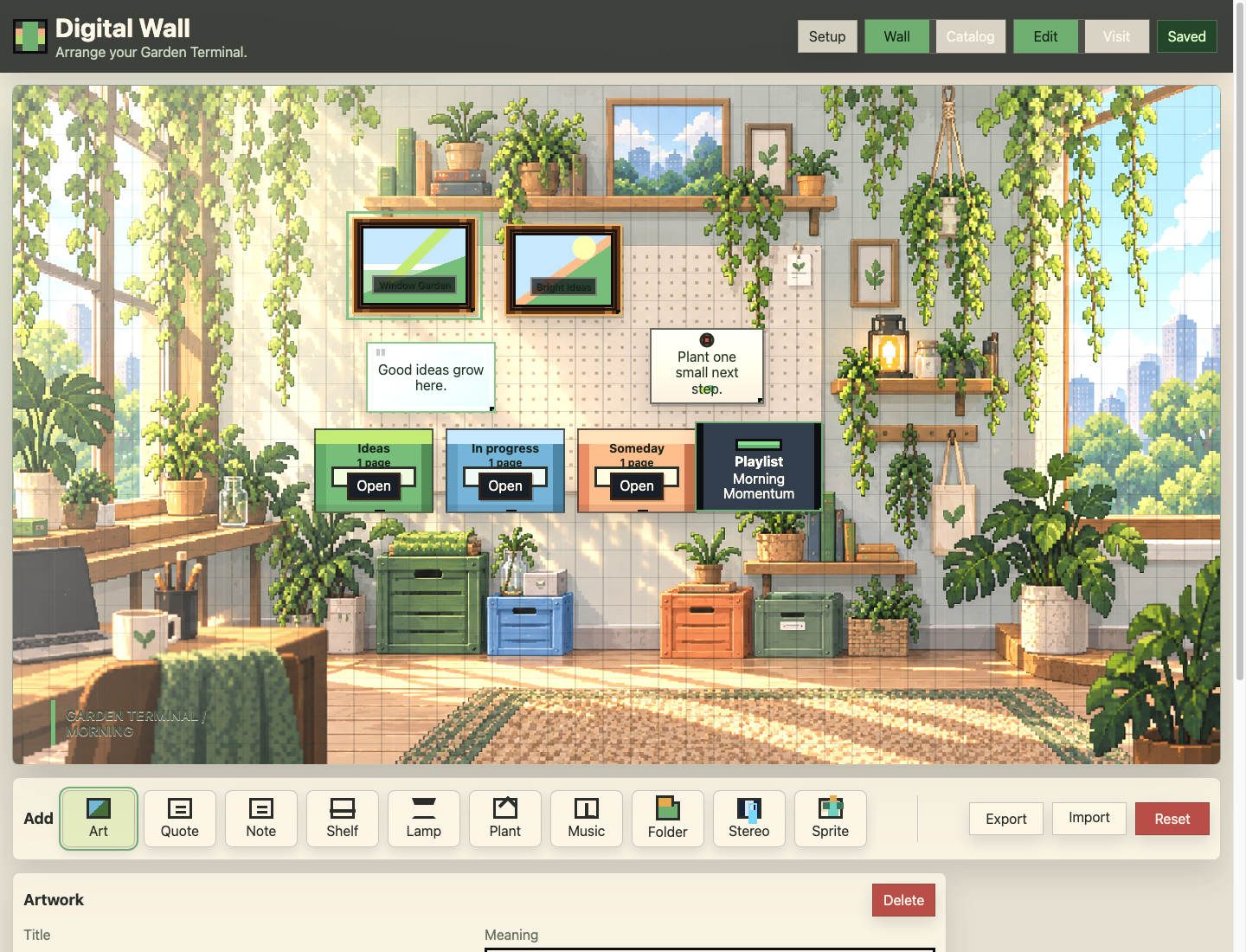
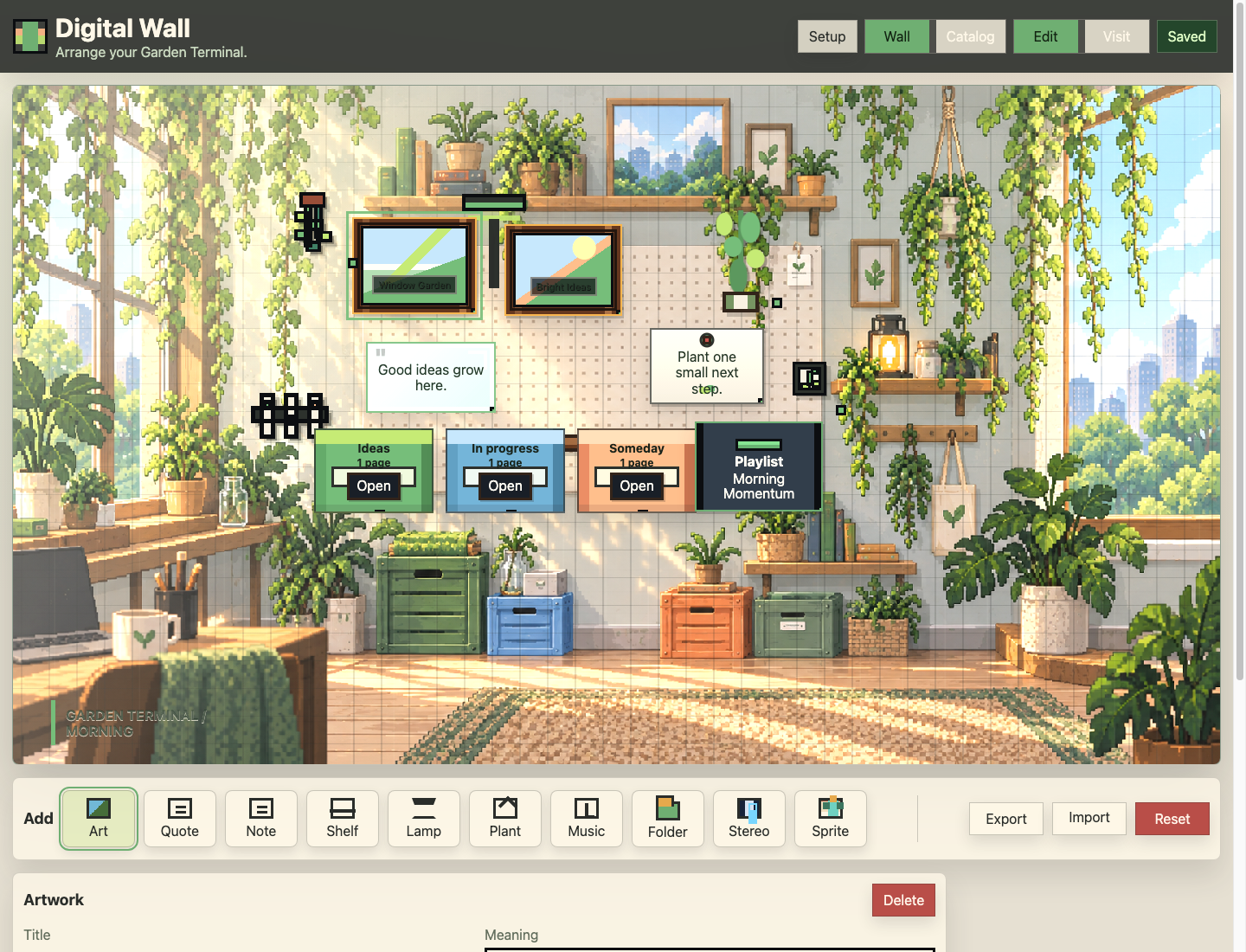
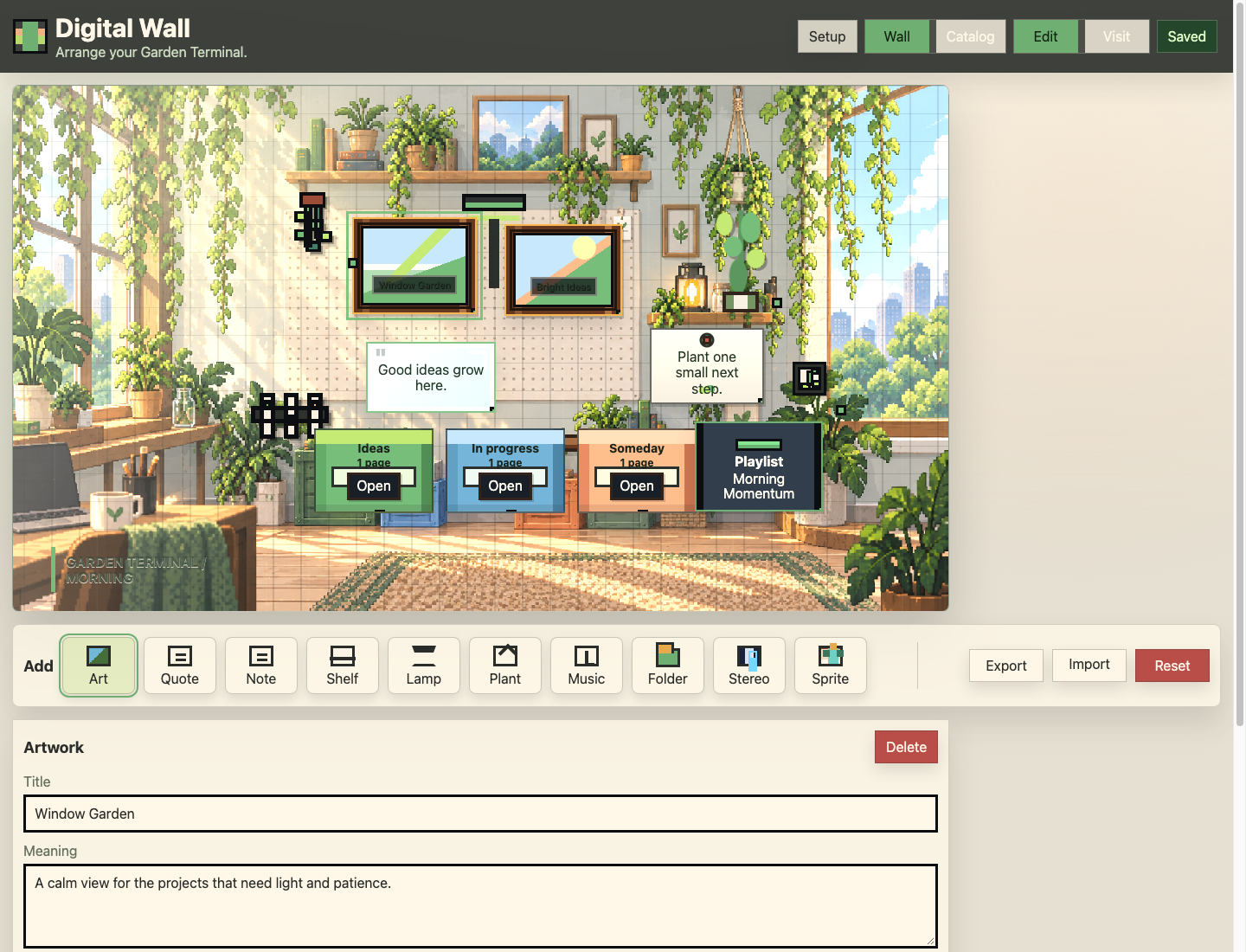
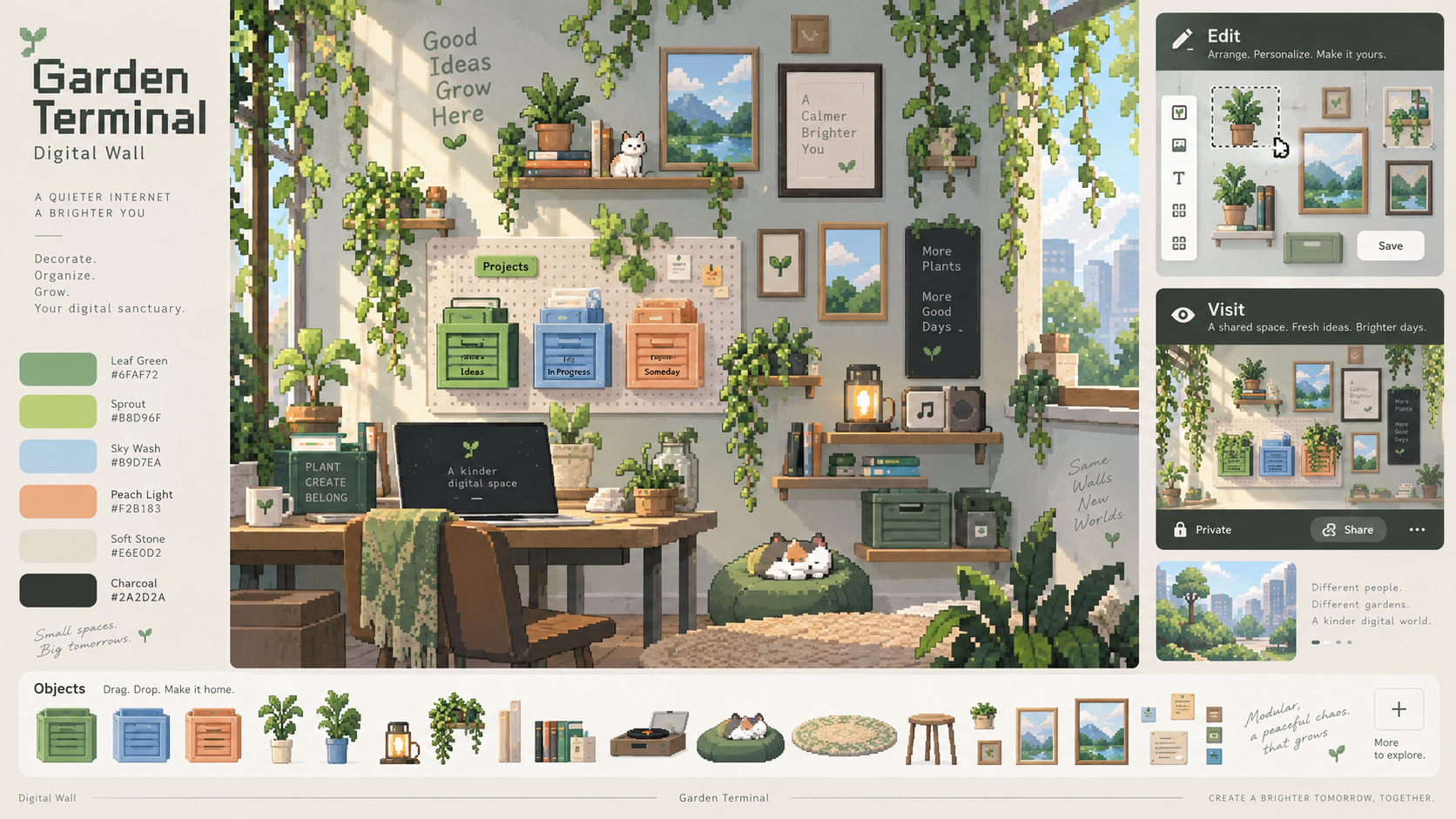
Early art-direction comps (Garden Terminal era).
| File | Notes |
|---|---|
| `garden-terminal-concept-board.png` | Full concept: room + object strip + palette + edit/visit panels |
| `screenshots/garden-terminal-art-direction-final.png` | Art-direction final pass |
| `screenshots/garden-terminal-art-direction-pass-2.png` | Intermediate pass |
| `screenshots/garden-terminal-art-direction-pass.png` | Earlier pass |
---
4. Walls
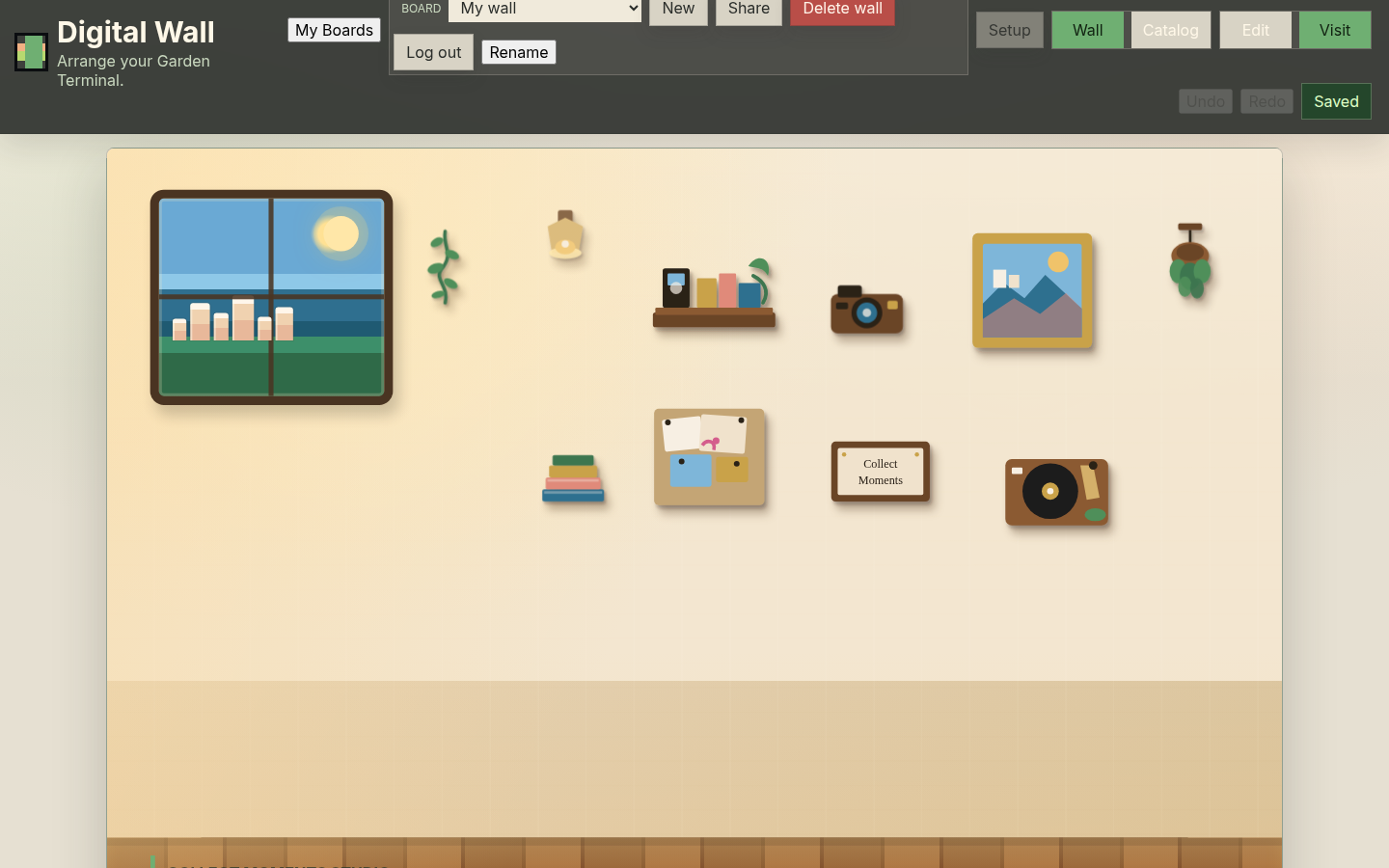
Hearth / hero wall (current elevated path)
| Shot | Mode | File |
|---|---|---|
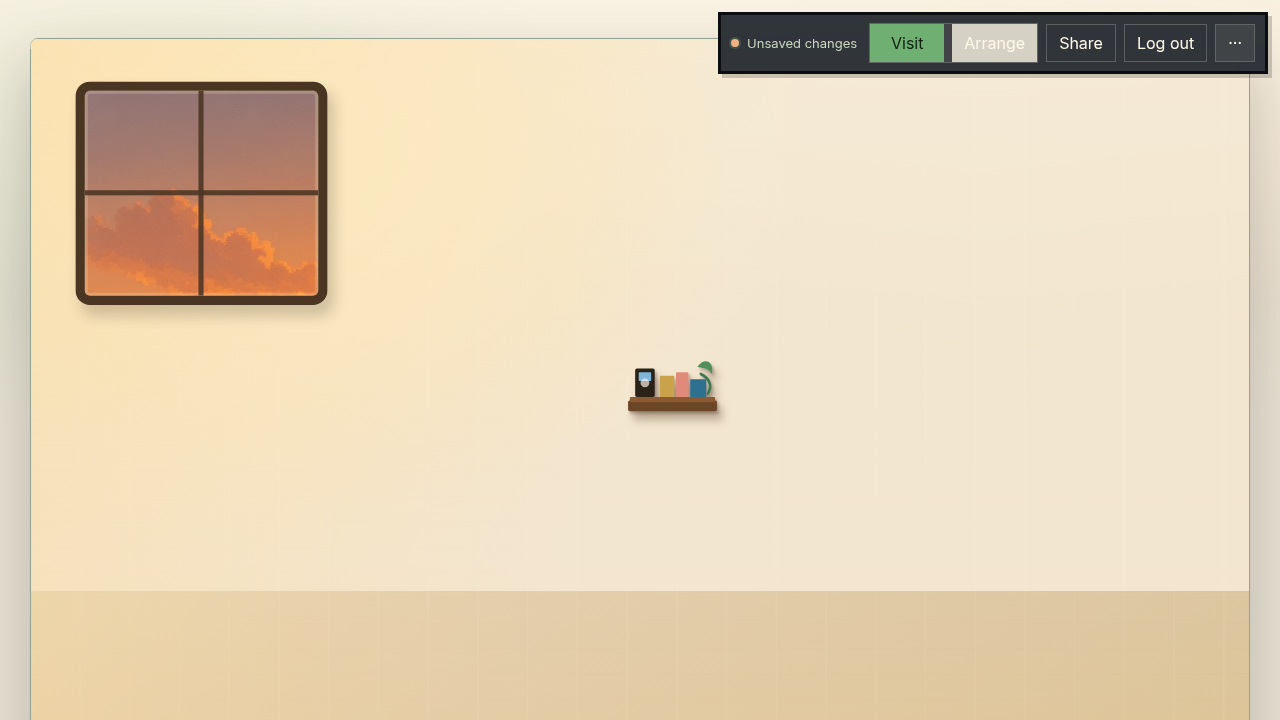
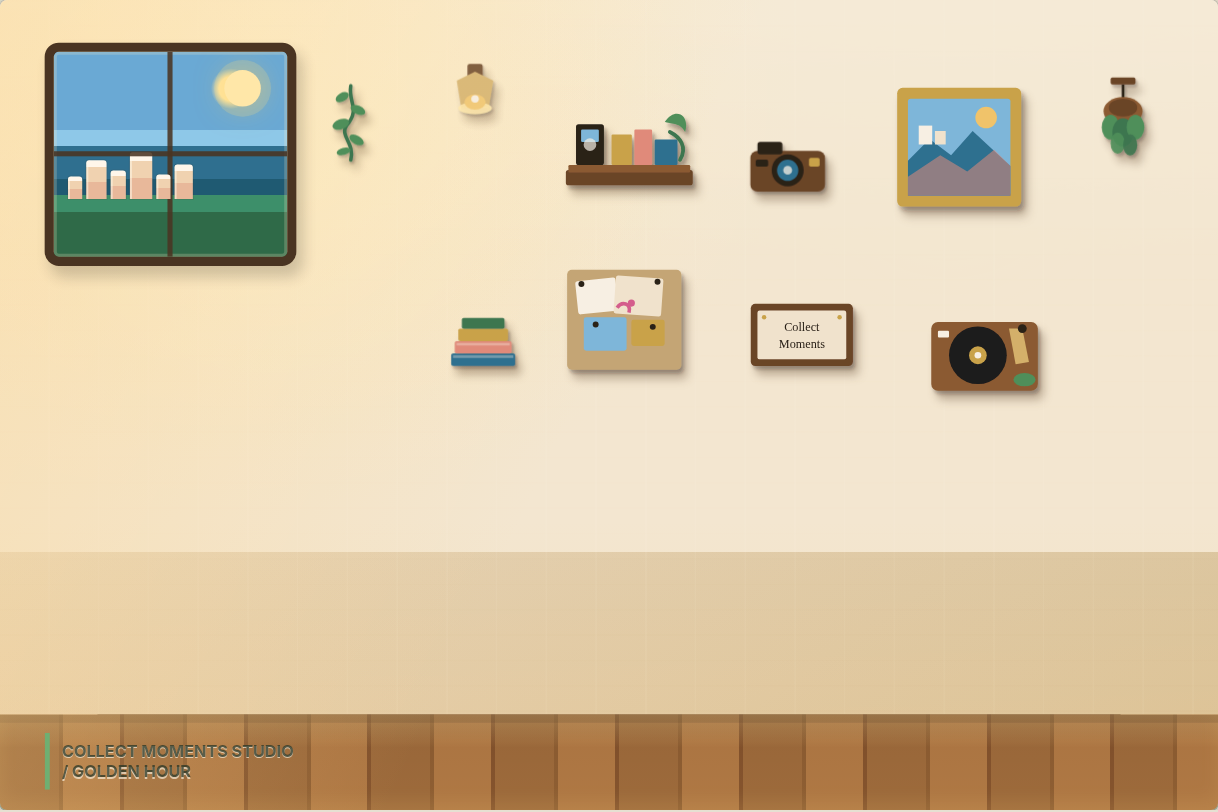
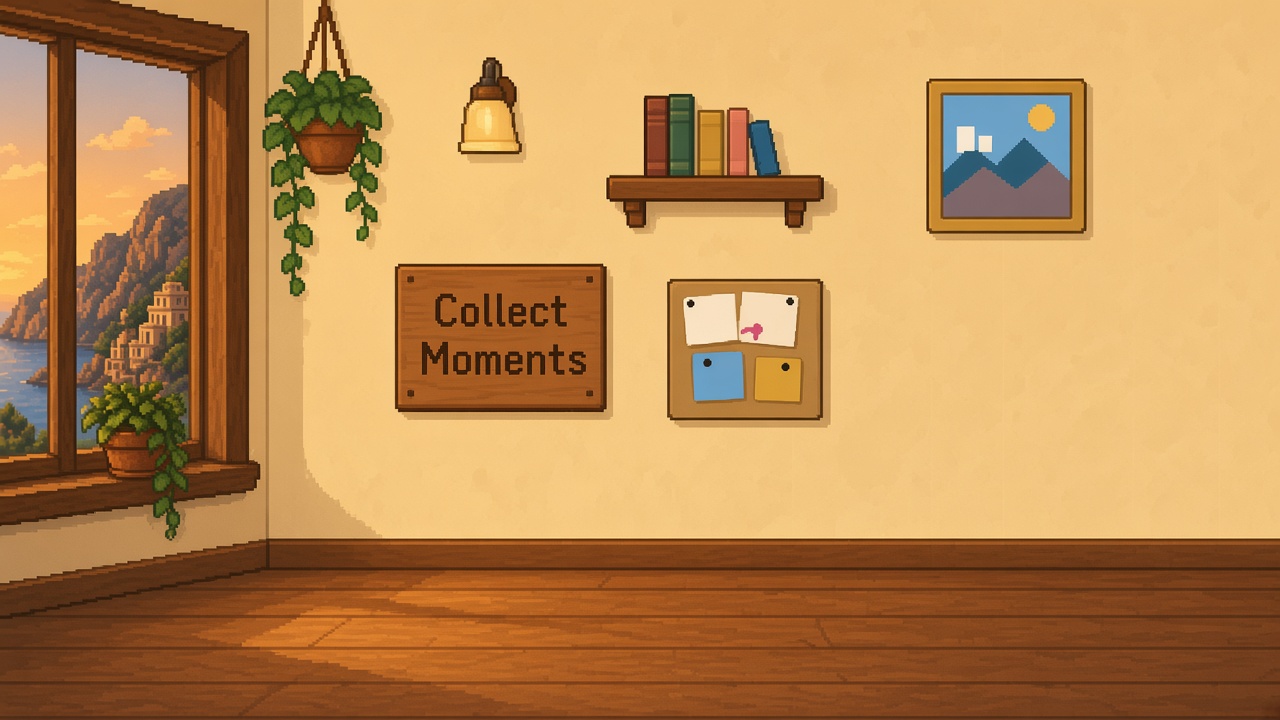
| Wall only (no chrome) | Composition reference | `03-hearth-wall-only.png` |
| Hero visit | Visit with hero objects | `02-hearth-hero-visit.png` |
| Hero visit (alt) | Visit | `hearth-hero-visit.png` |
Garden Terminal / rooftop walls
| Shot | Notes | File |
|---|---|---|
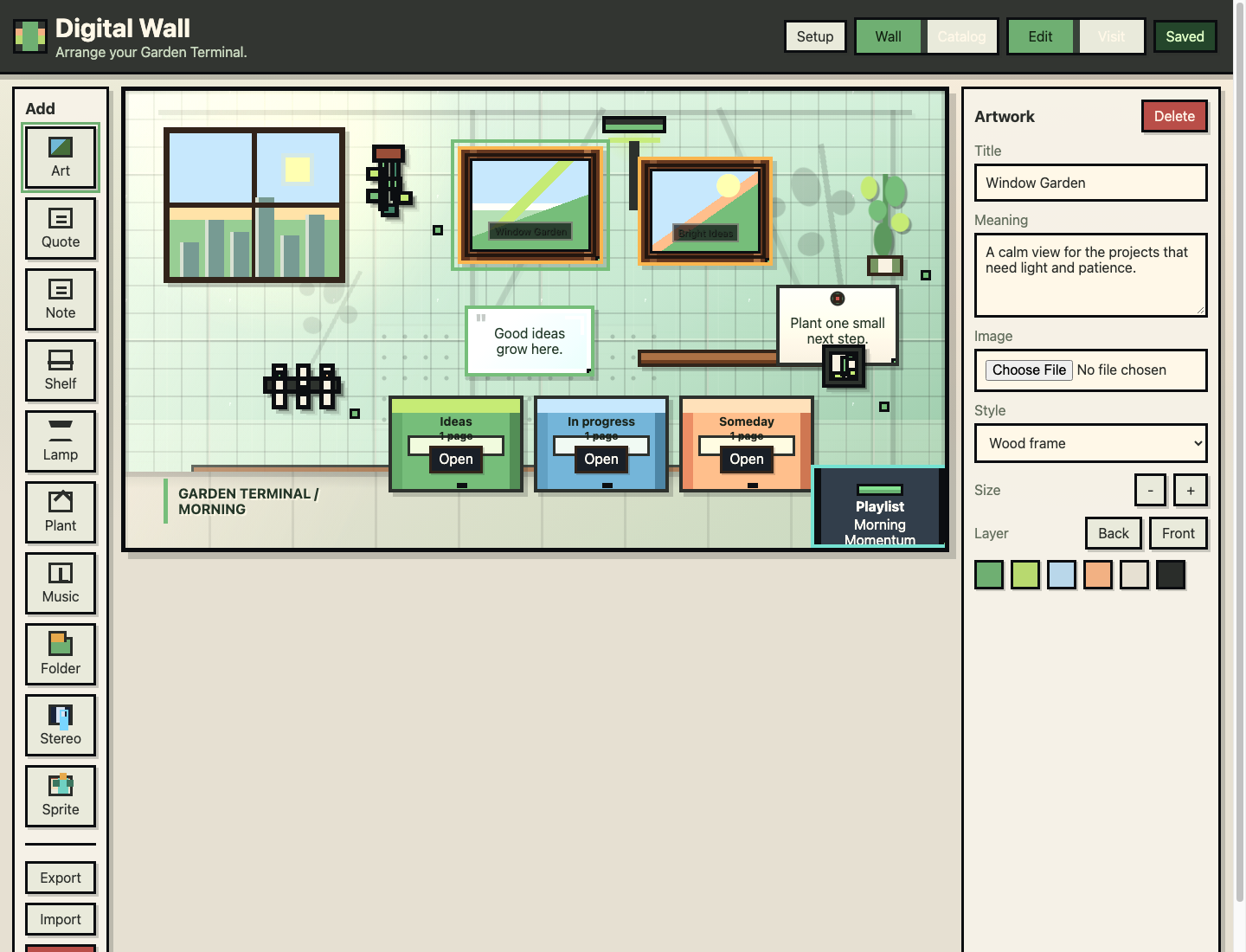
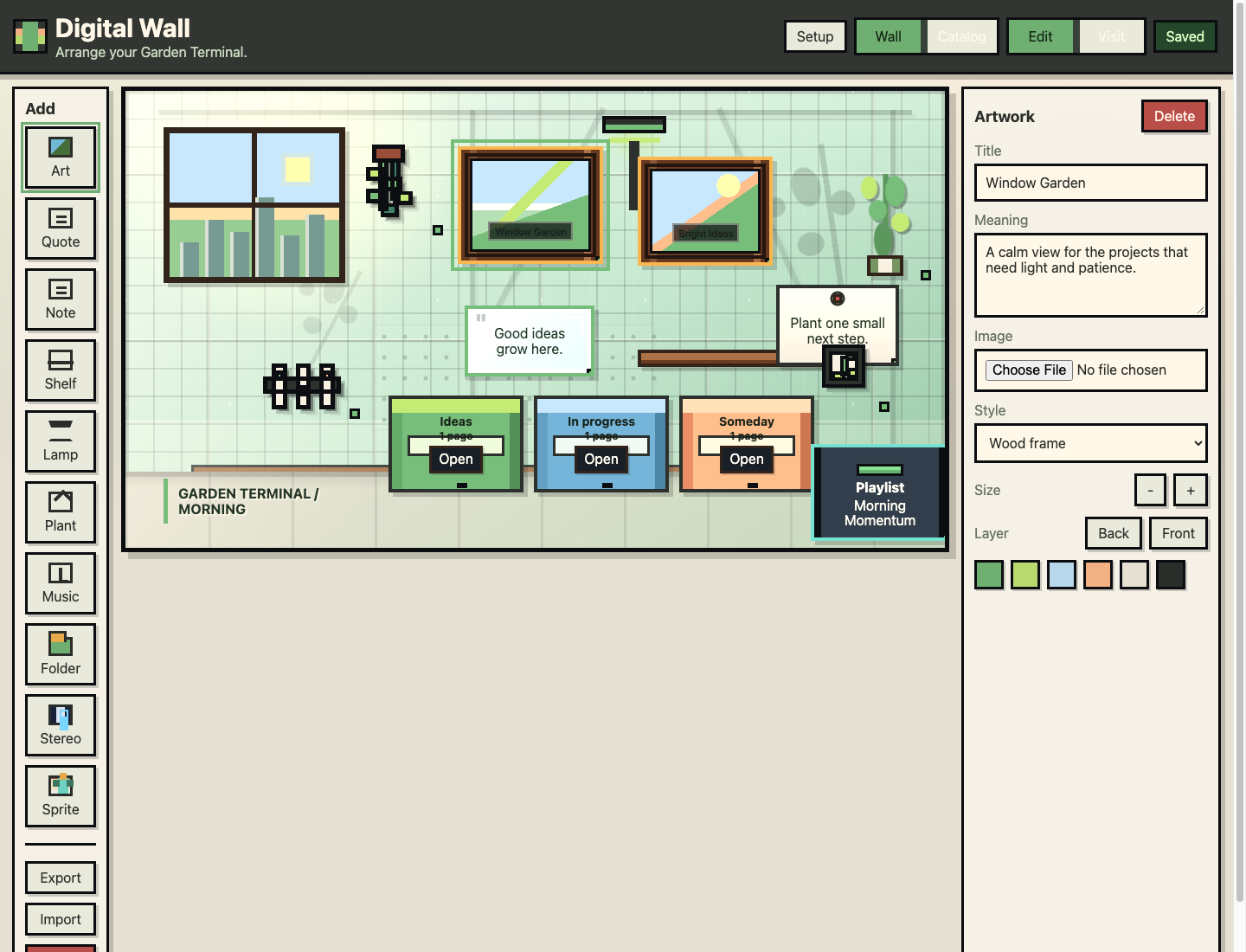
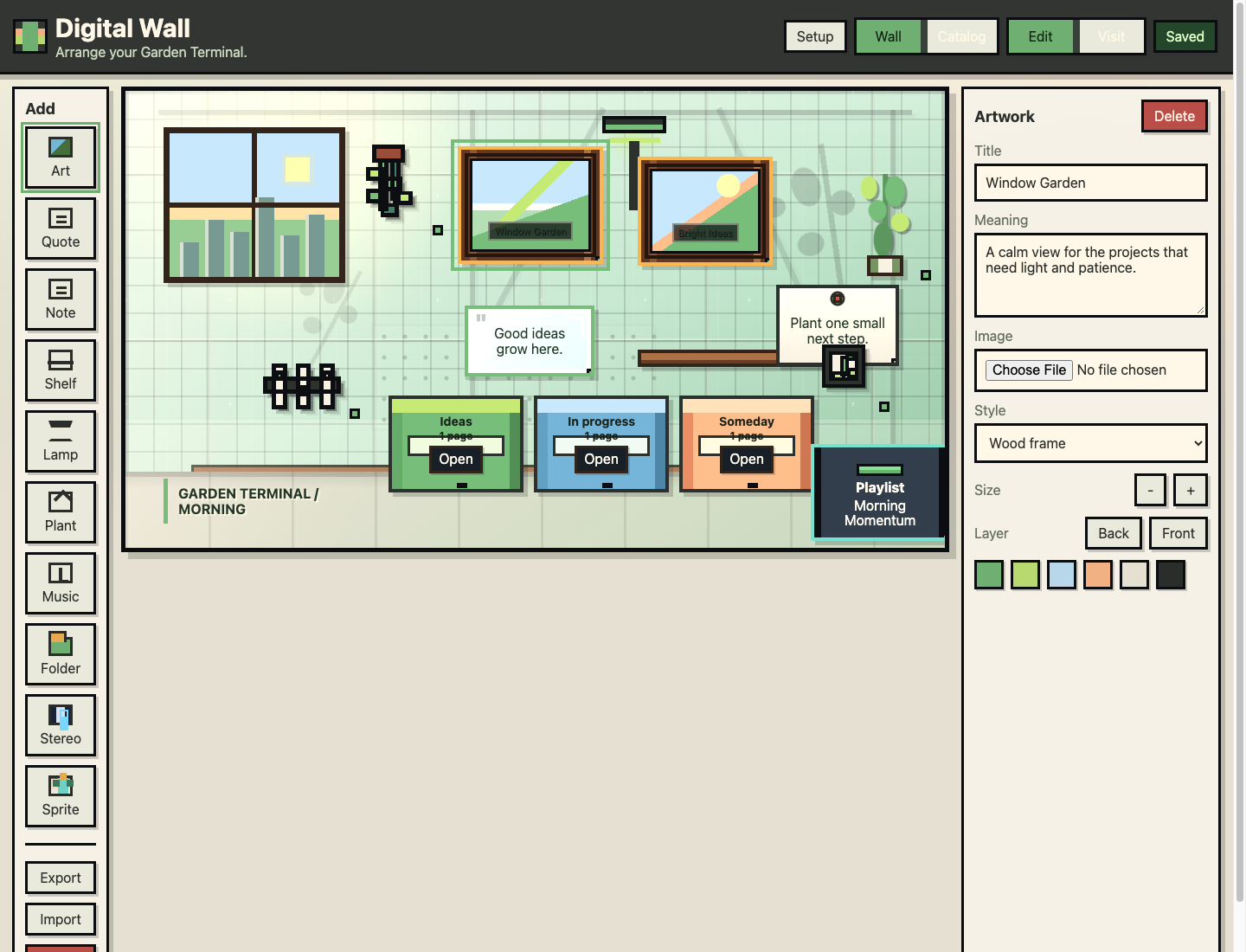
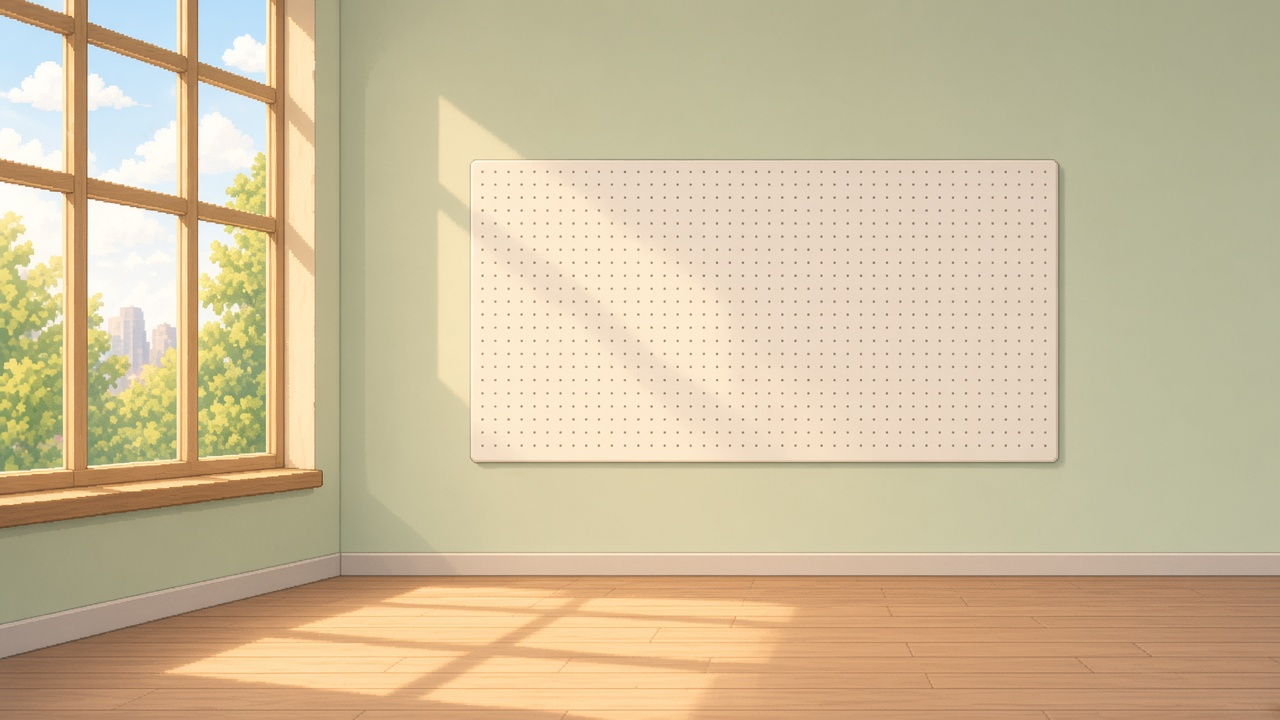
| Wall fidelity final | Edit chrome + sage grid wall | `garden-terminal-wall-fidelity-final.png` |
| Wall fidelity | Earlier fidelity pass | `garden-terminal-wall-fidelity.png` |
| Wall current | Snapshot of then-current wall | `garden-terminal-wall-current.png` |
| MVP final / v2 / v1 | Early MVP wall iterations | garden-terminal-mvp*.png |
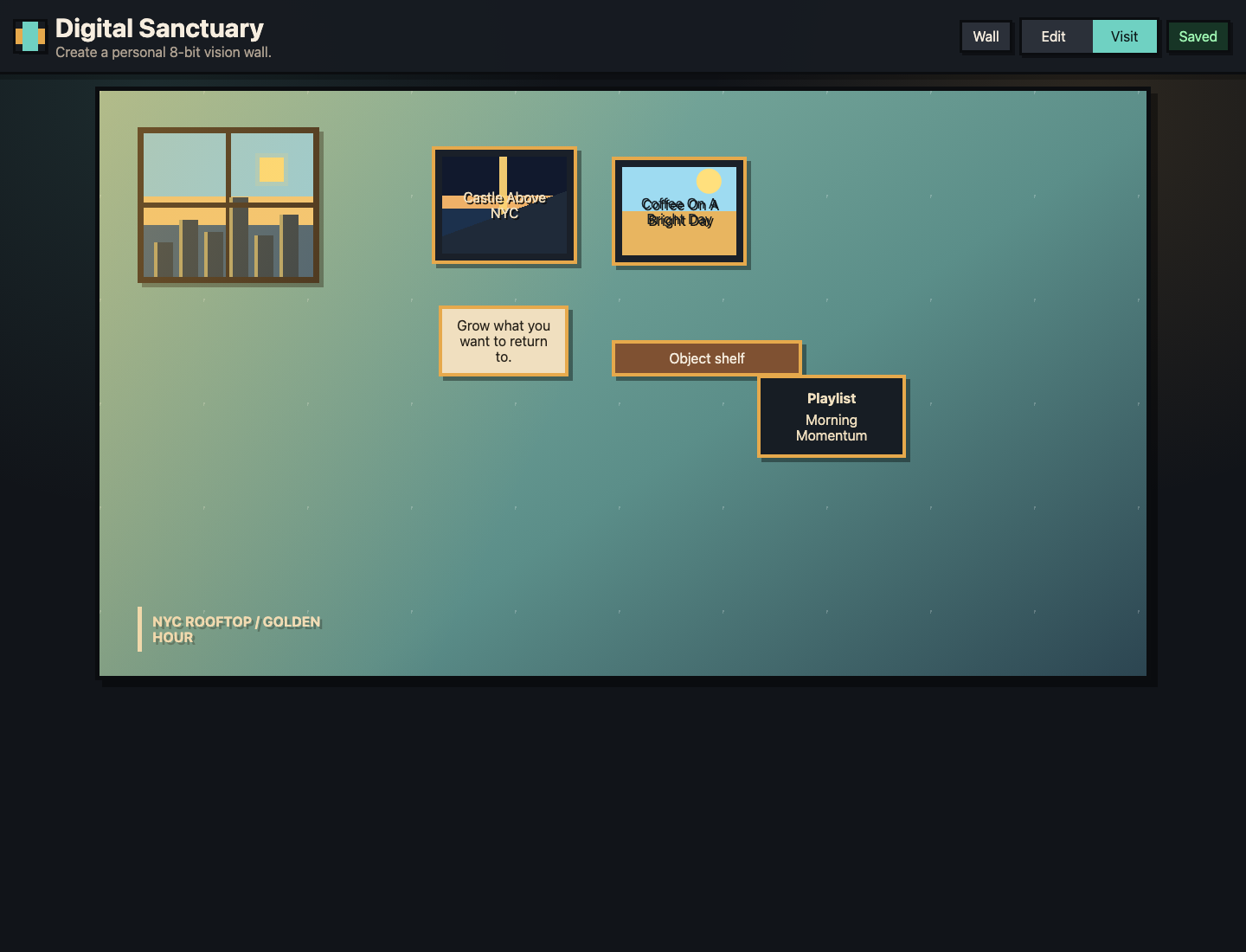
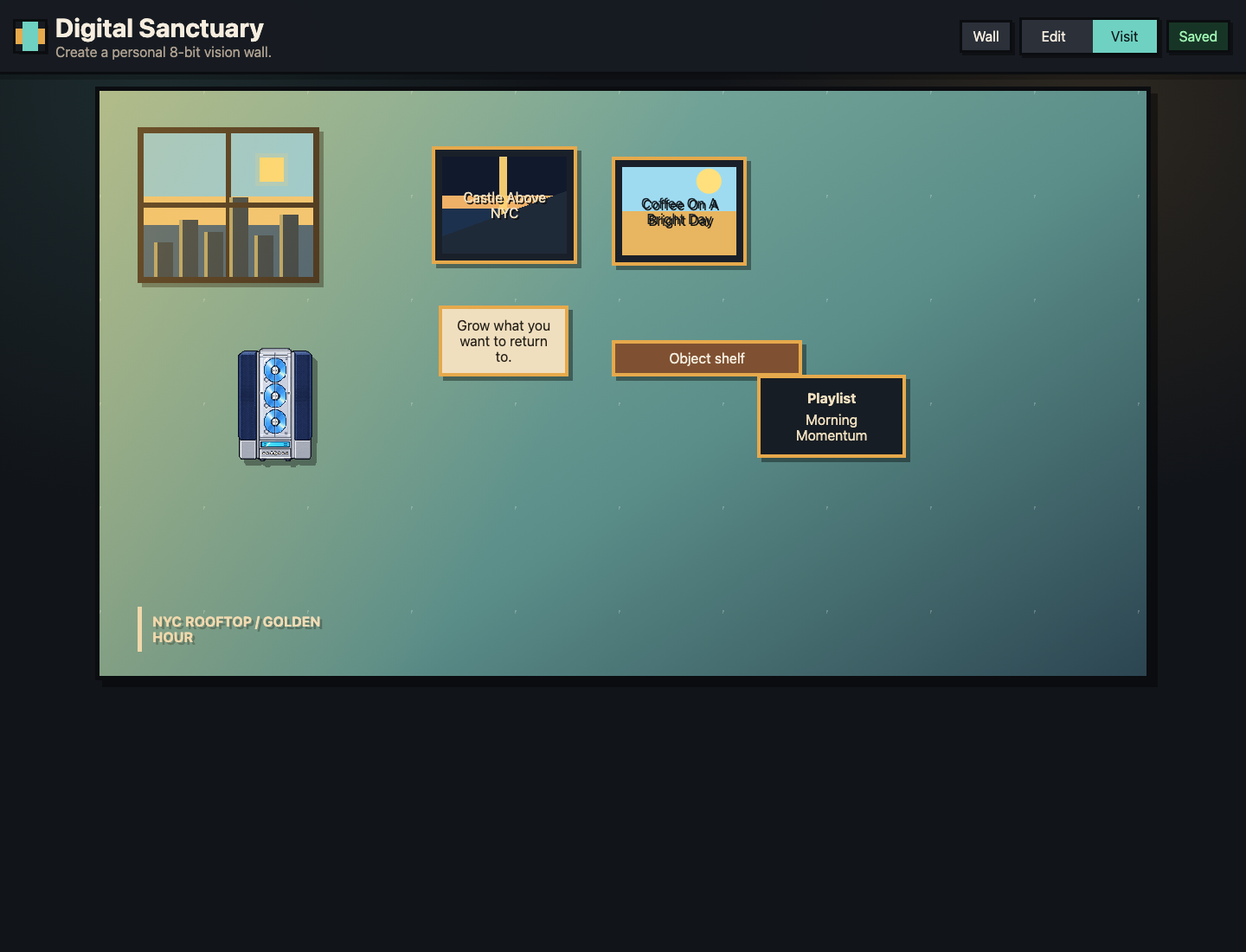
| Visit desktop (+ stereo) | Visit mode product shots | `visit-desktop.png`, `visit-desktop-stereo.png` |
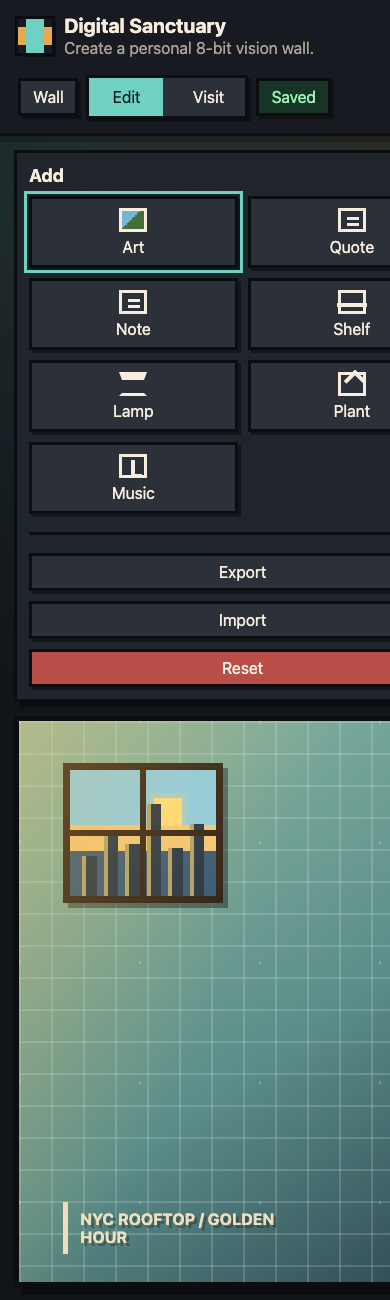
| Edit desktop (+ stereo / folder) | Edit mode product shots | edit-desktop*.png |
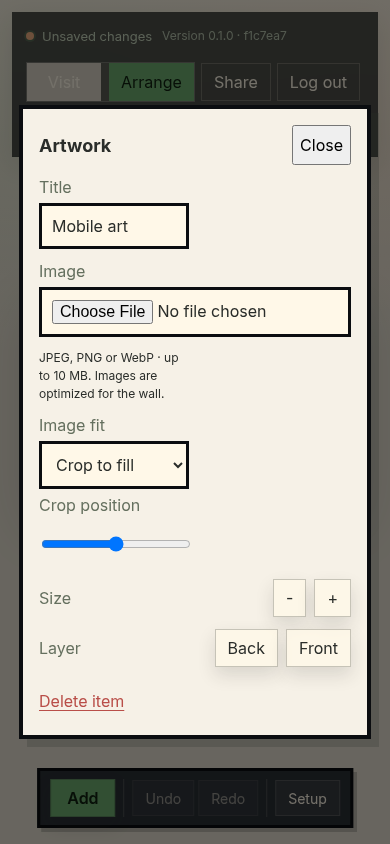
| Mobile edit | Mobile editing | `mobile-edit.png`, `frontend-mobile-editing.png` |
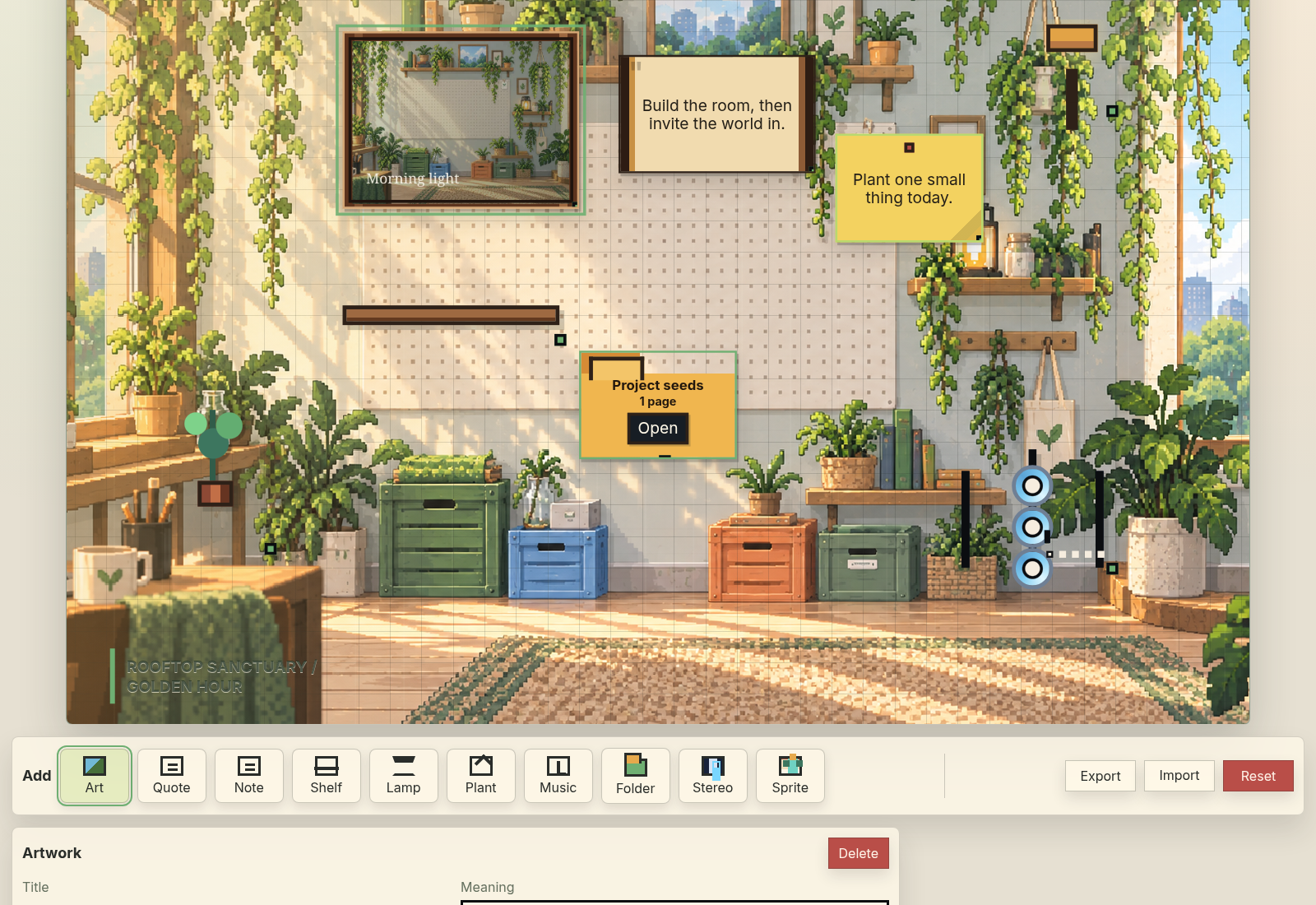
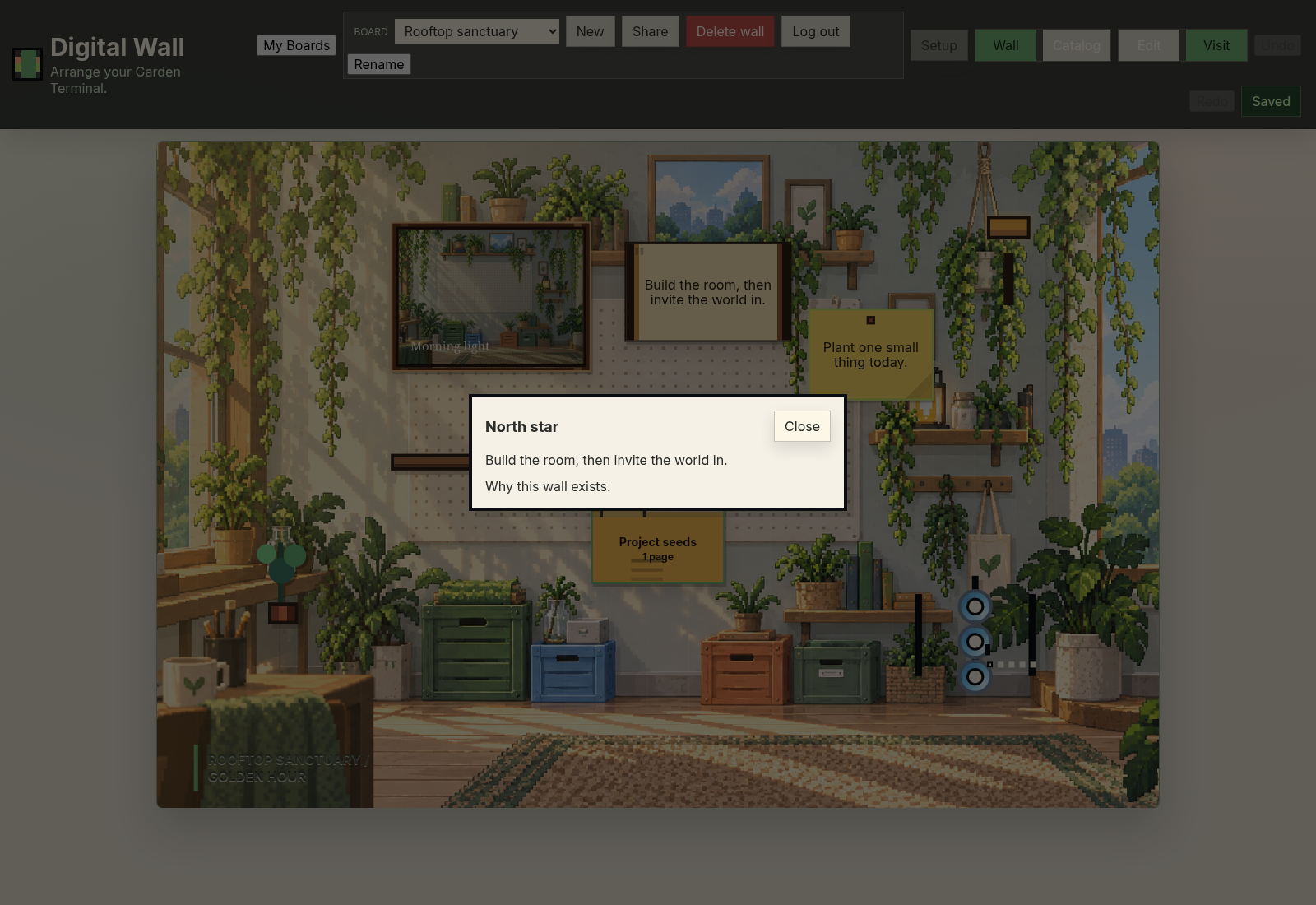
Marketing wall masters (best “product” frames)
Prefer these for external storytelling; regenerate with npm run marketing:shots.
| Beat | Master |
|---|---|
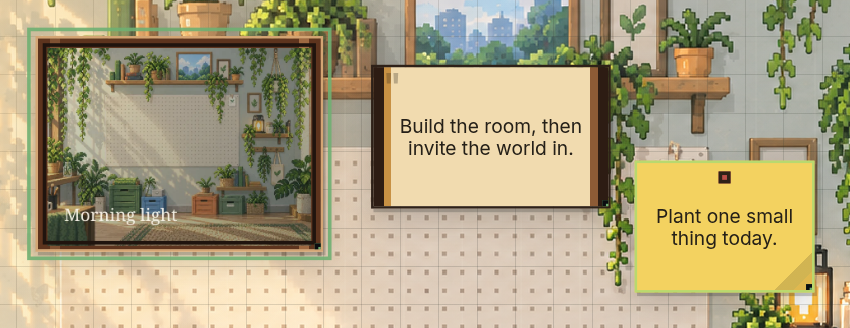
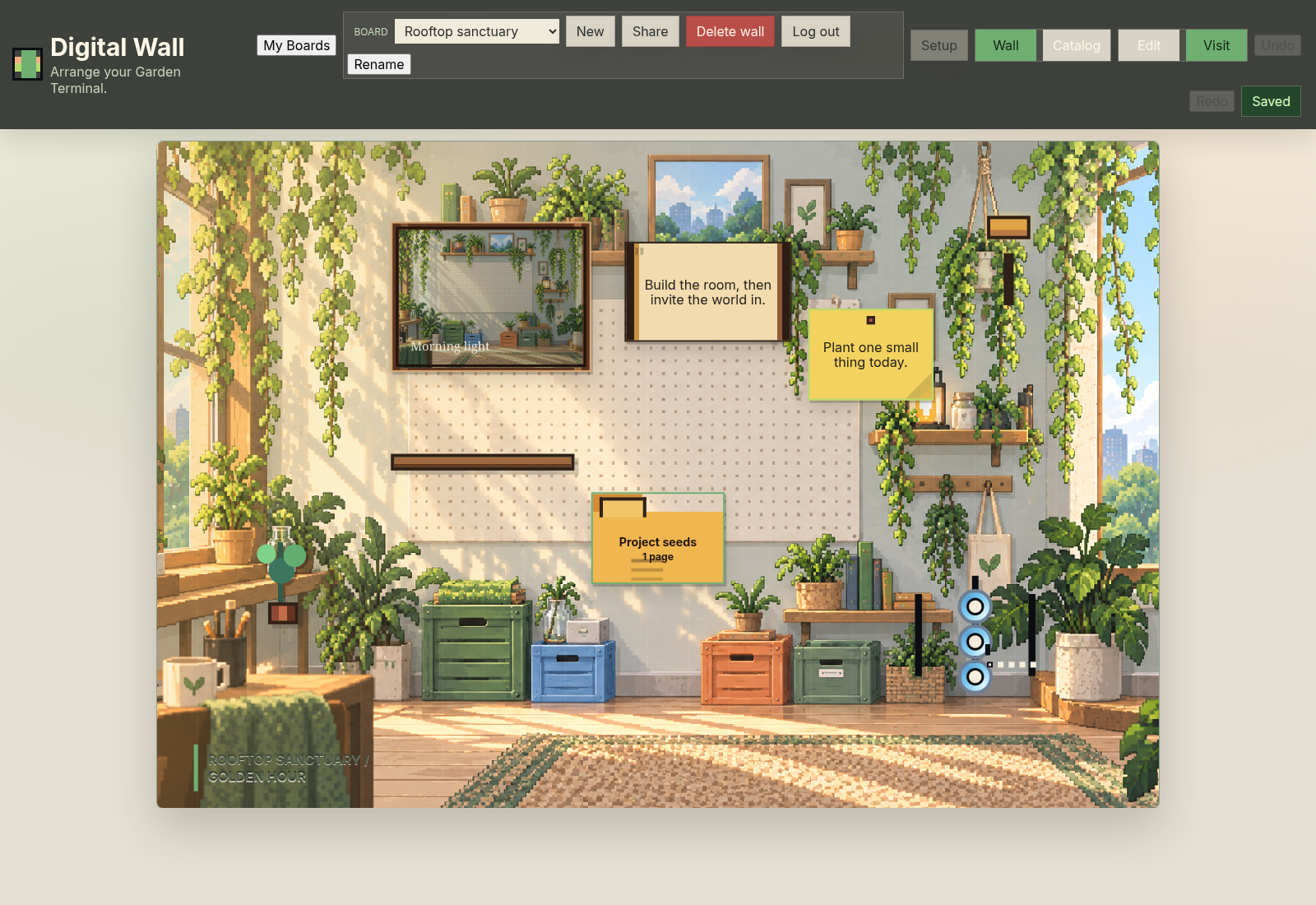
| Build / edit | `01-build-edit.png` |
| Build detail | `02-build-detail.png` |
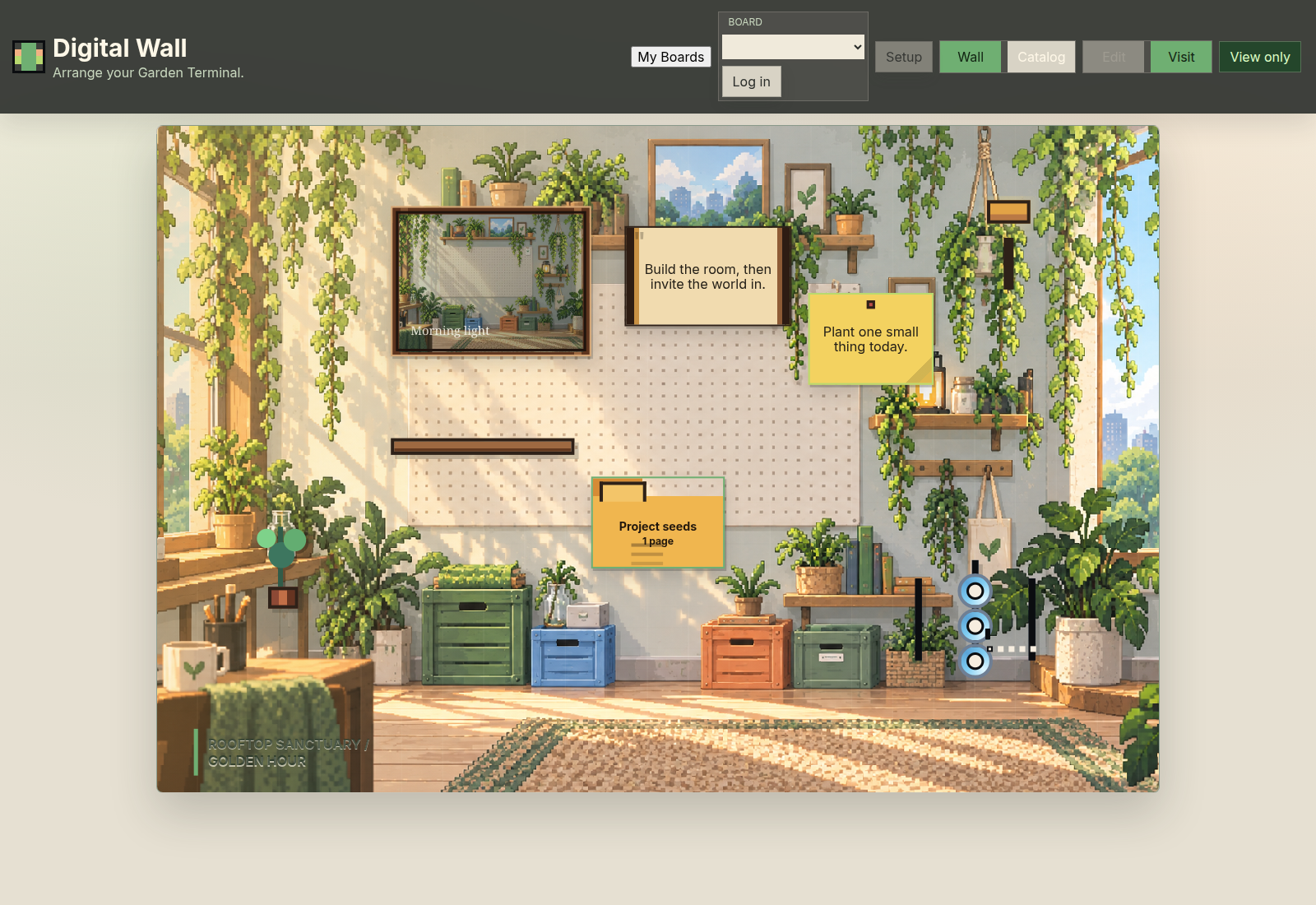
| Visit calm | `03-visit-calm.png` |
| Visit object | `04-visit-object.png` |
| Share owner | `05-share-owner.png` |
| Share guest | `06-share-guest.png` |
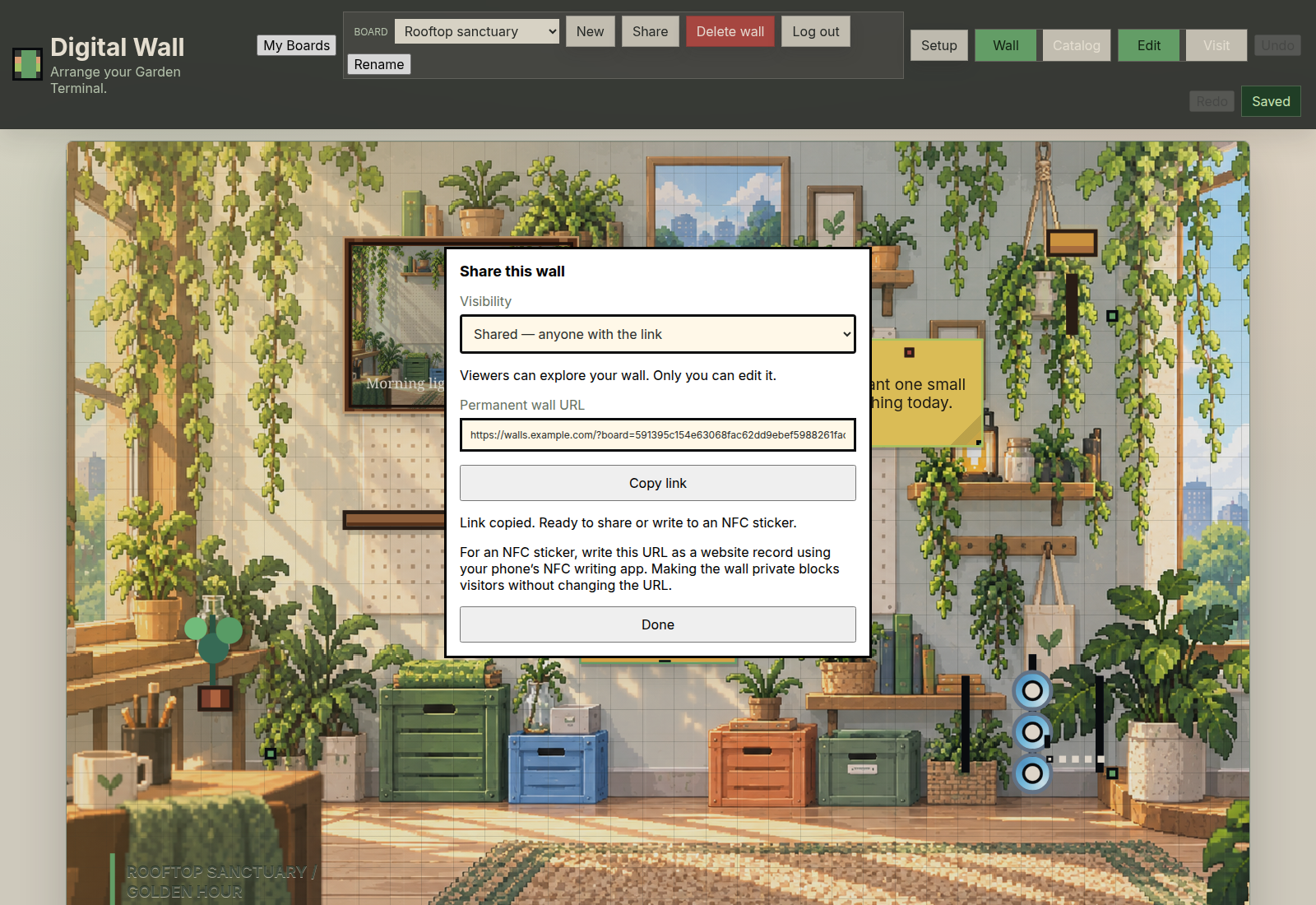
---
5. Items & catalogs
In-app catalog UI
| Shot | Contents | File |
|---|---|---|
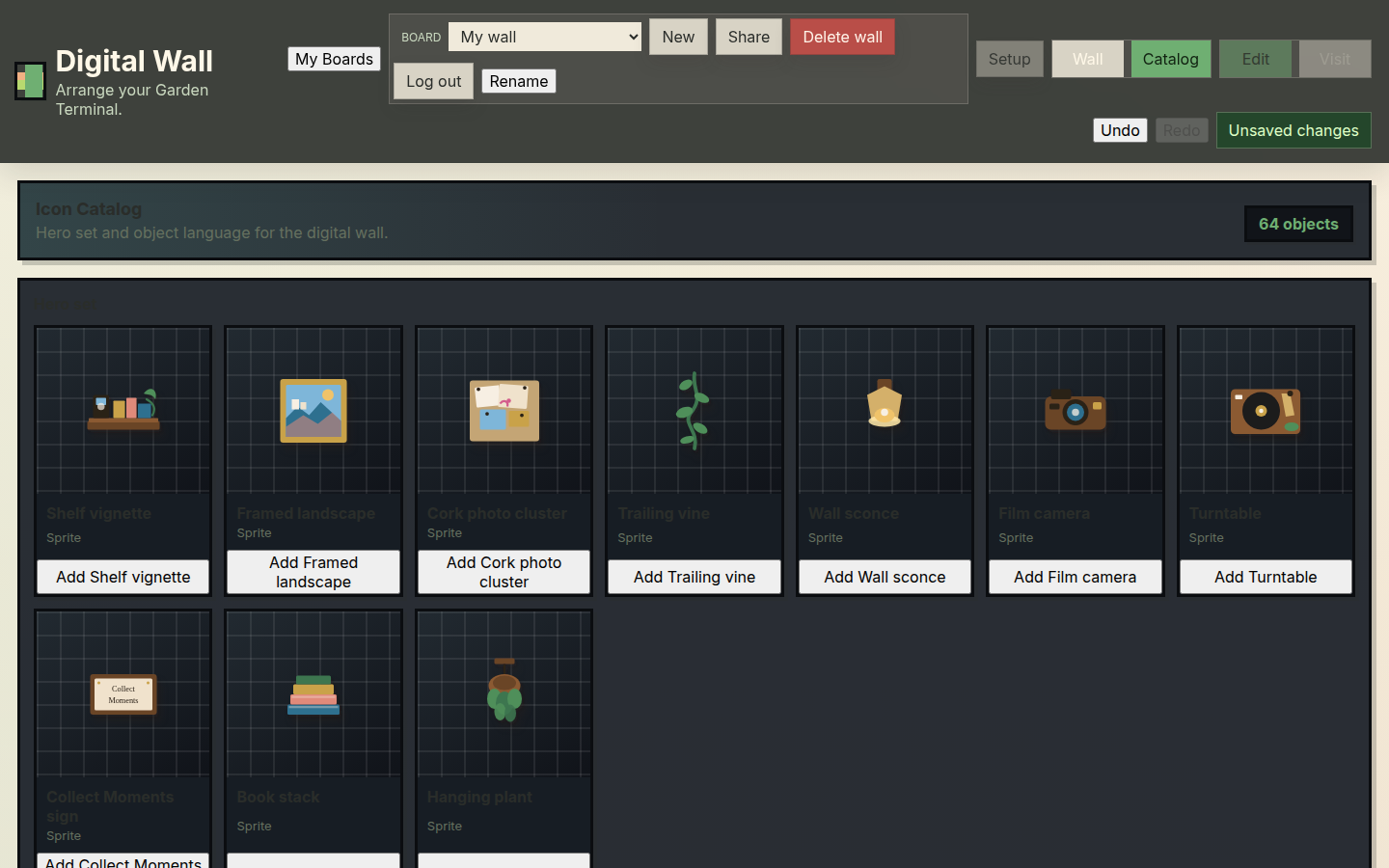
| Hero catalog | Hero set section (~shelf, frame, cork, vine, sconce, camera, turntable, sign, books, plant) | `01-hero-catalog.png` |
| Garden catalog current | Then-current catalog strip | `garden-terminal-catalog-current.png` |
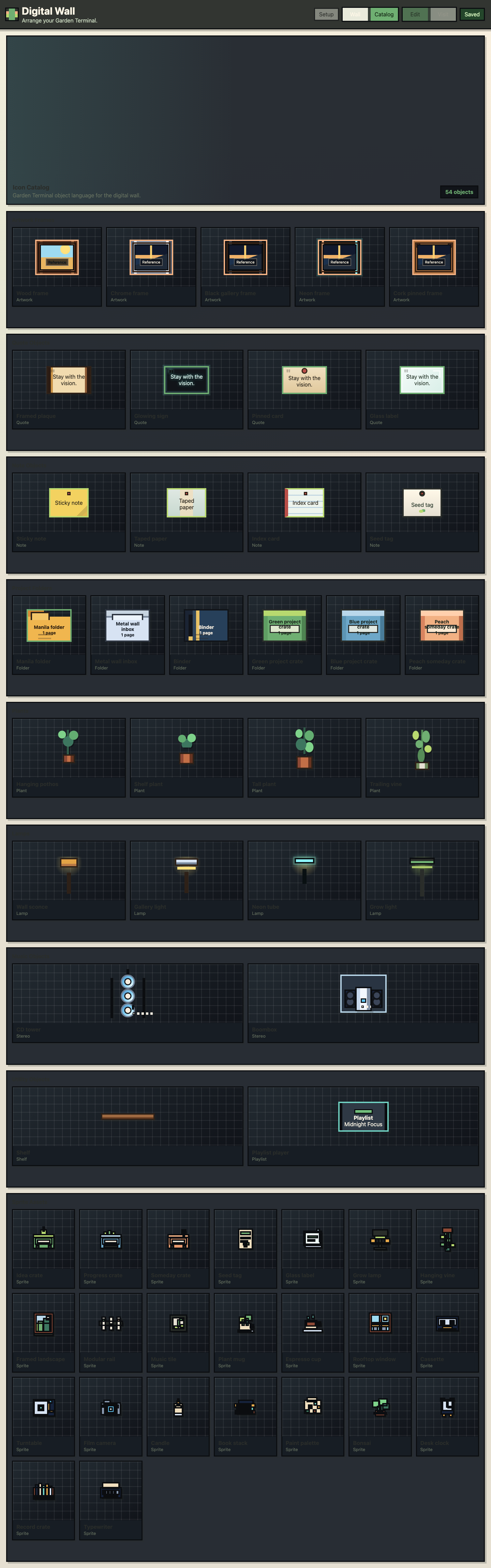
| Full sprite sheet UI | Frames, notes, folders, plants, lamps, stereo, large sprite grid | `garden-terminal-catalog-sprites-full.png` |
| Custom pixel assets | Desktop/mobile custom asset passes | custom-pixel-assets-*.png |
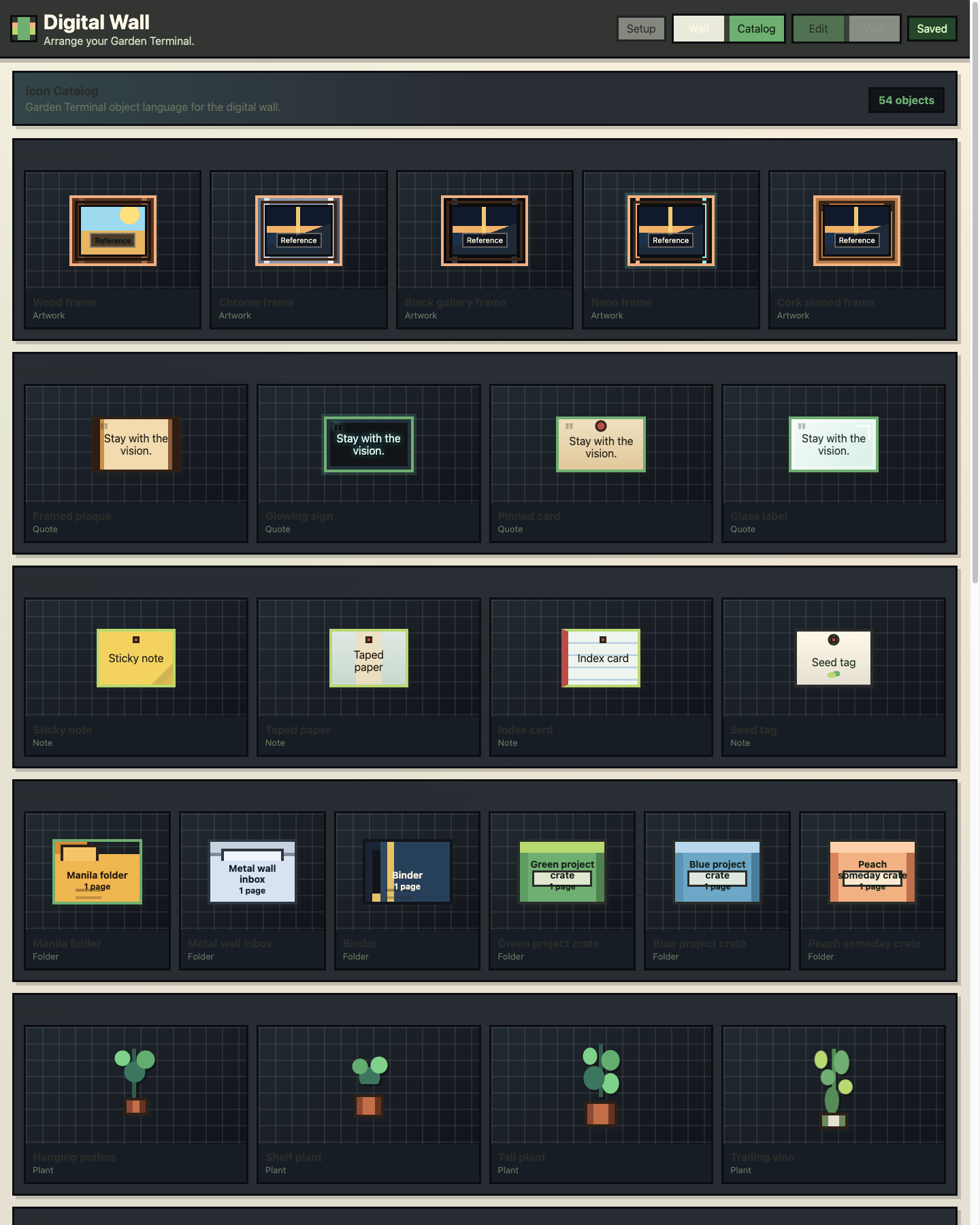
Item families seen across shots
Useful when scoping catalog QA or new commissions:
| Family | Examples in repo |
|---|---|
| Frames / art | Wood/chrome frames, landscapes, window views |
| Notes / quotes | Sticky notes, quote plates, “Collect Moments” |
| Folders / crates | Ideas / In progress / Someday, manila, binders |
| Plants | Pots, hanging vines, bonsai, grow lamp |
| Lights | Wall sconce, warm/cool lamps |
| Music | Turntable, stereo, playlist widget, cassette |
| Shelves / furniture | Floating shelves, book stacks, modular rail |
| Cameras / tools | Film camera, typewriter, paint palette |
| Sprites / terminals | Dense pixel terminal/server grid (Garden catalog) |
---
6. Production assets
Live files the app loads (not just research).
Backgrounds
| Asset | Path |
|---|---|
| Garden Terminal room PNG | `assets/backgrounds/garden-terminal-room.png` |
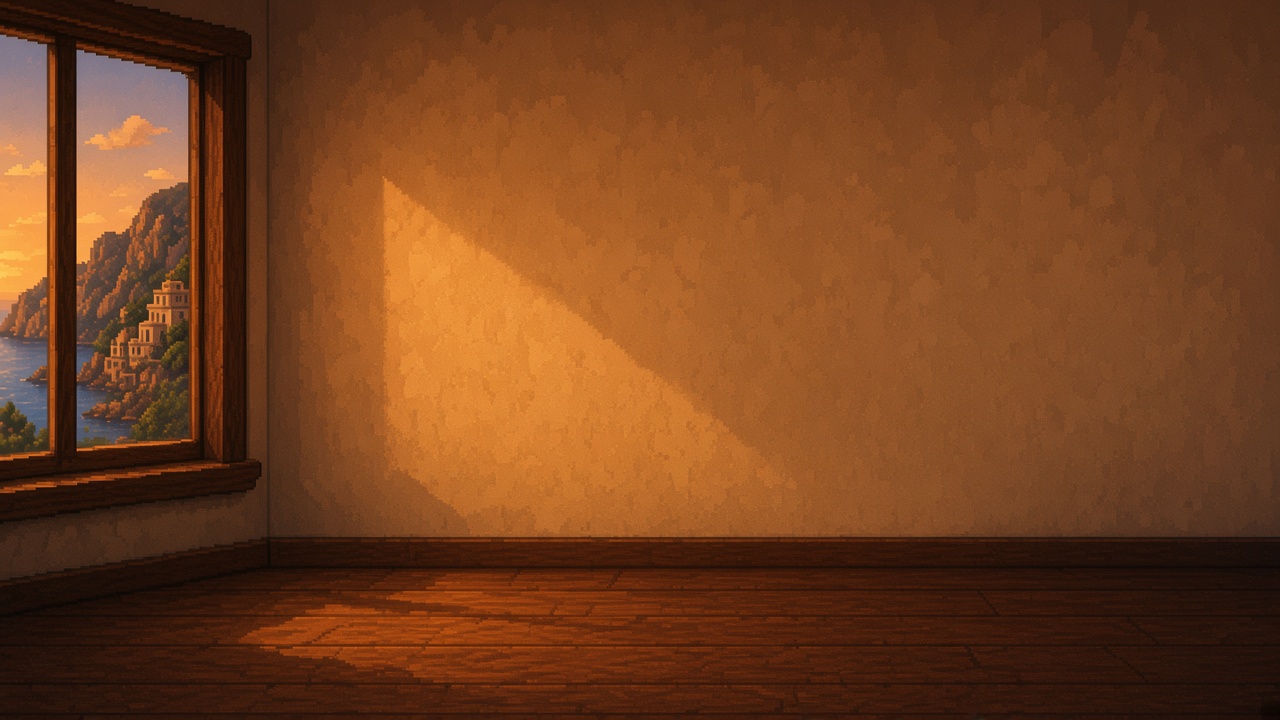
| Smoke bold hearth blank | `assets/backgrounds/smoke-hearth-blank.jpg` |
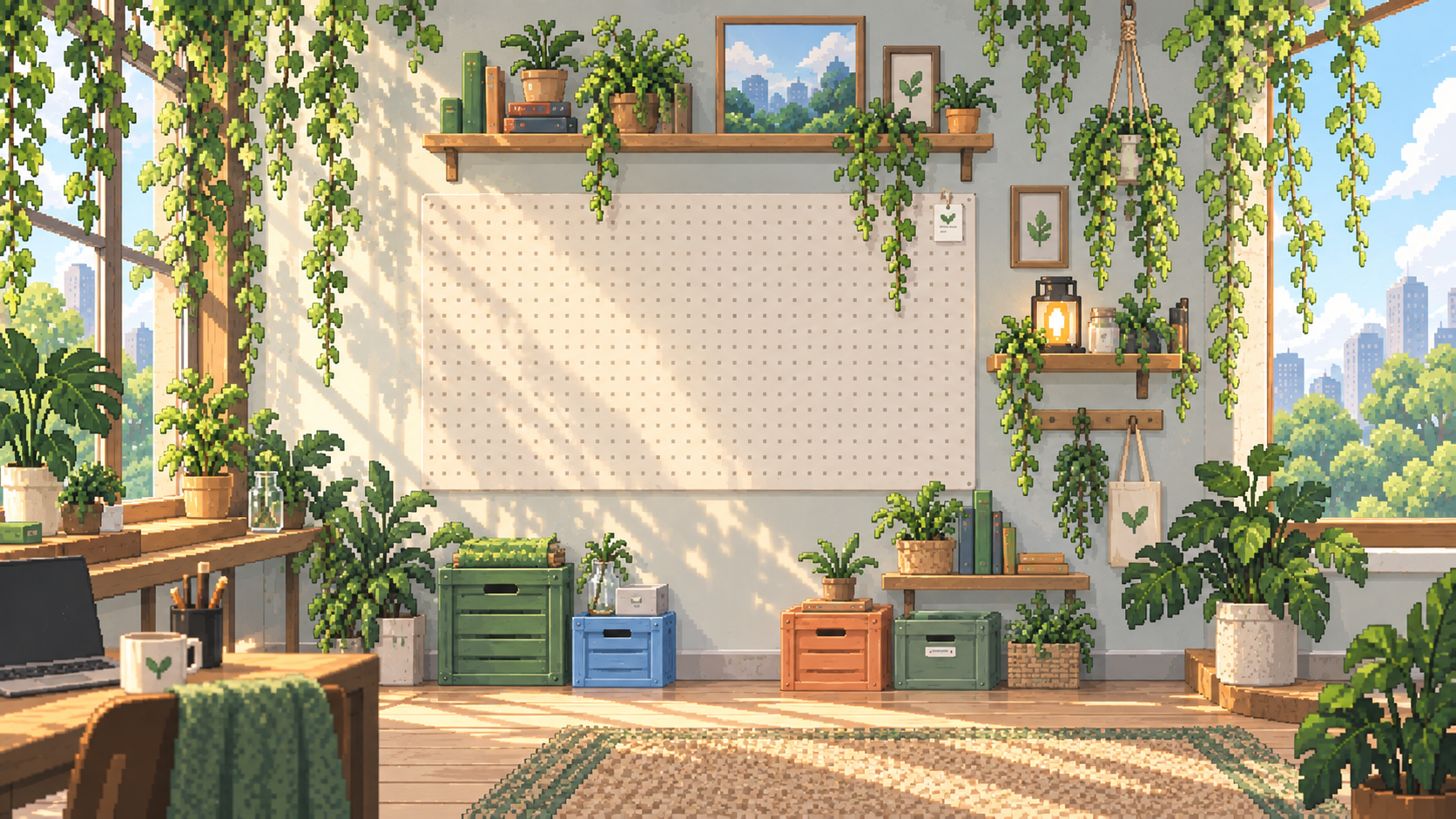
| Smoke bold garden blank | `assets/backgrounds/smoke-garden-blank.jpg` |
| Smoke bold moonroom blank | `assets/backgrounds/smoke-moonroom-blank.jpg` |
| Window New York skyline | `assets/windows/window-city-skyline.jpg` |
| Window ocean view | `assets/windows/window-ocean-view.jpg` |
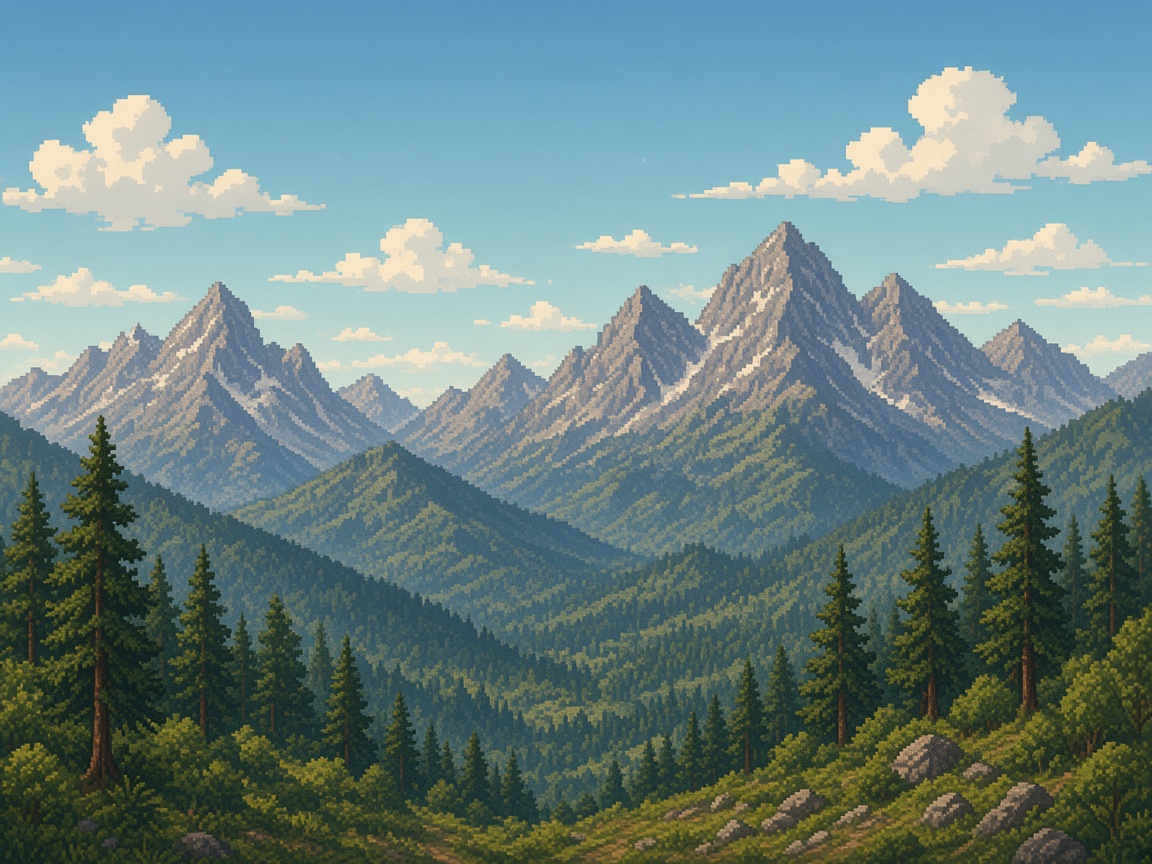
| Window mountain range | `assets/windows/window-mountain-view.jpg` |
| Window Montana farmland | `assets/windows/window-farmland-view.jpg` |
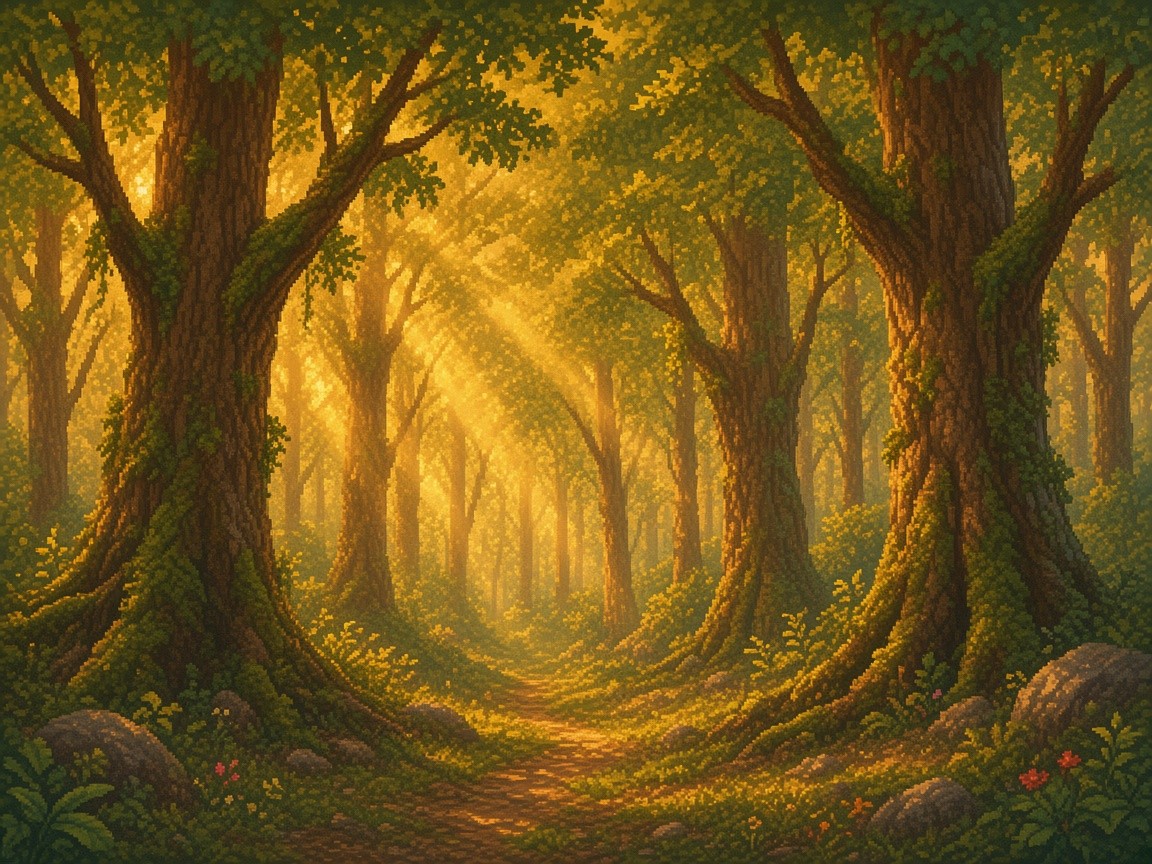
| Window forest edge | `assets/windows/window-forest-edge.jpg` |
| Window rainy street | `assets/windows/window-rainy-street.jpg` |



Object sprites (assets/objects/)
Hero set (elevated hybrid language):
hero-shelf,hero-framed-landscape,hero-cork-cluster,hero-trailing-vine,hero-wall-sconcehero-film-camera,hero-turntable,hero-collect-moments,hero-book-stack,hero-hanging-plant
Core / Garden set:
- Plants & nature:
bonsai,hanging-vine,plant-mug,grow-lamp,seed-tag - Media:
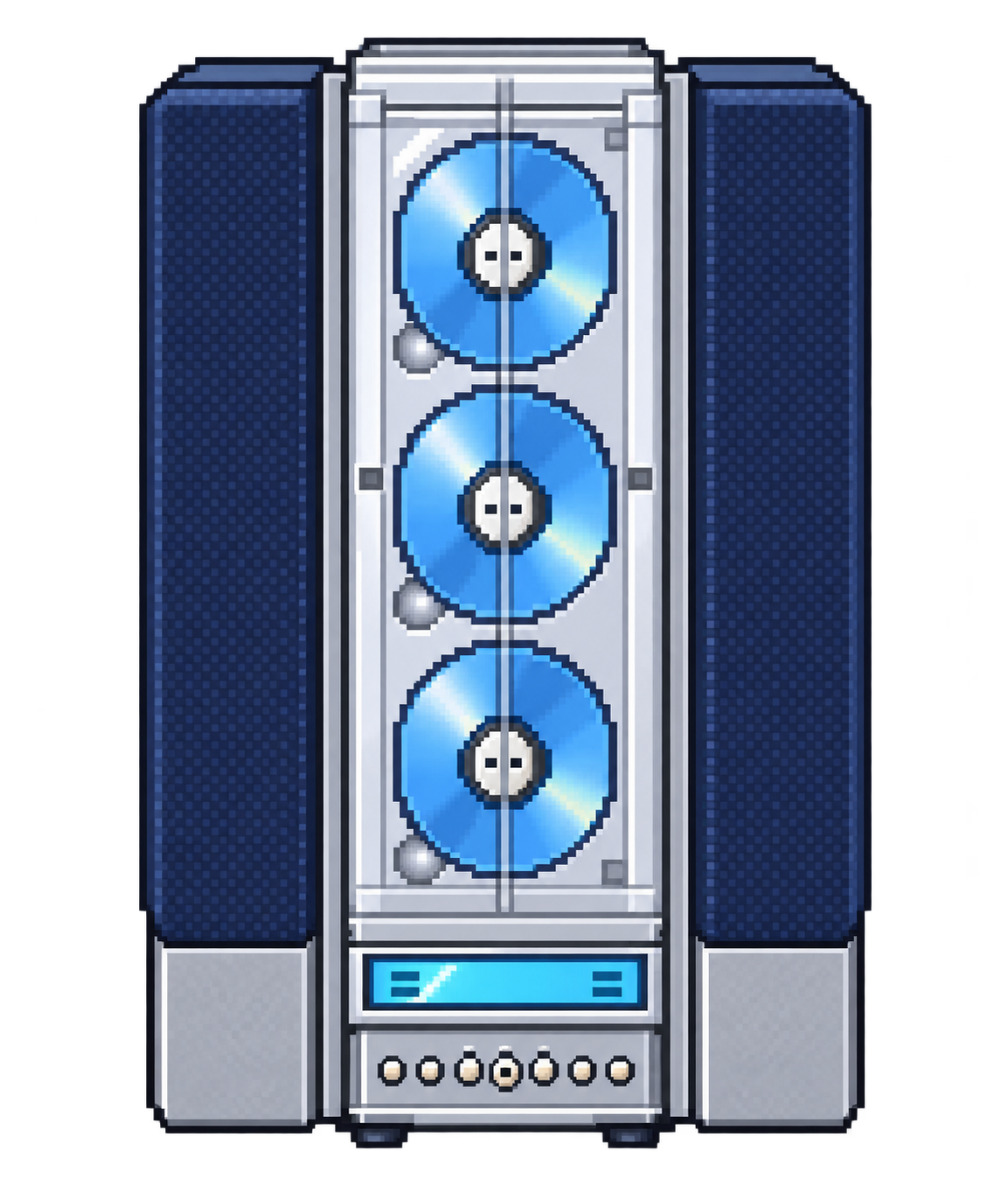
turntable,cassette,music-tile,record-crate, plus `pixel-cd-stereo.png` - Desk & decor:
book-stack,candle,desk-clock,espresso-cup,film-camera,framed-landscape,paint-palette,typewriter - Structure:
modular-rail,rooftop-window,glass-label - Project crates:
idea-crate,progress-crate,someday-crate
---
7. Marketing shots
Full kit docs: marketing/README.md
| Output | Path |
|---|---|
| Masters (PNG) | marketing/shots/masters/ |
| Website 16:9 | marketing/shots/website/ |
| Social square | marketing/shots/social/square/ |
| Social story | marketing/shots/social/story/ |
| Manifest | marketing/shots/manifest.json |
---
8. Elevated soft / smoke bold (live + Studio)
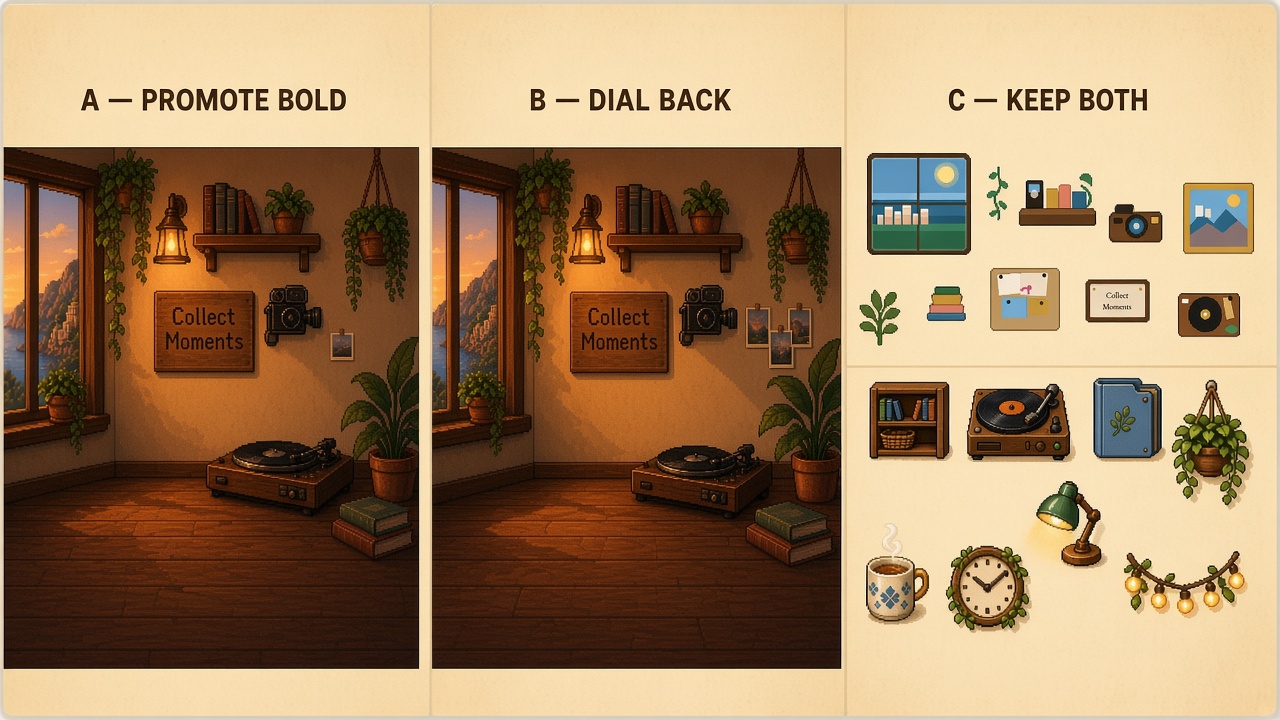
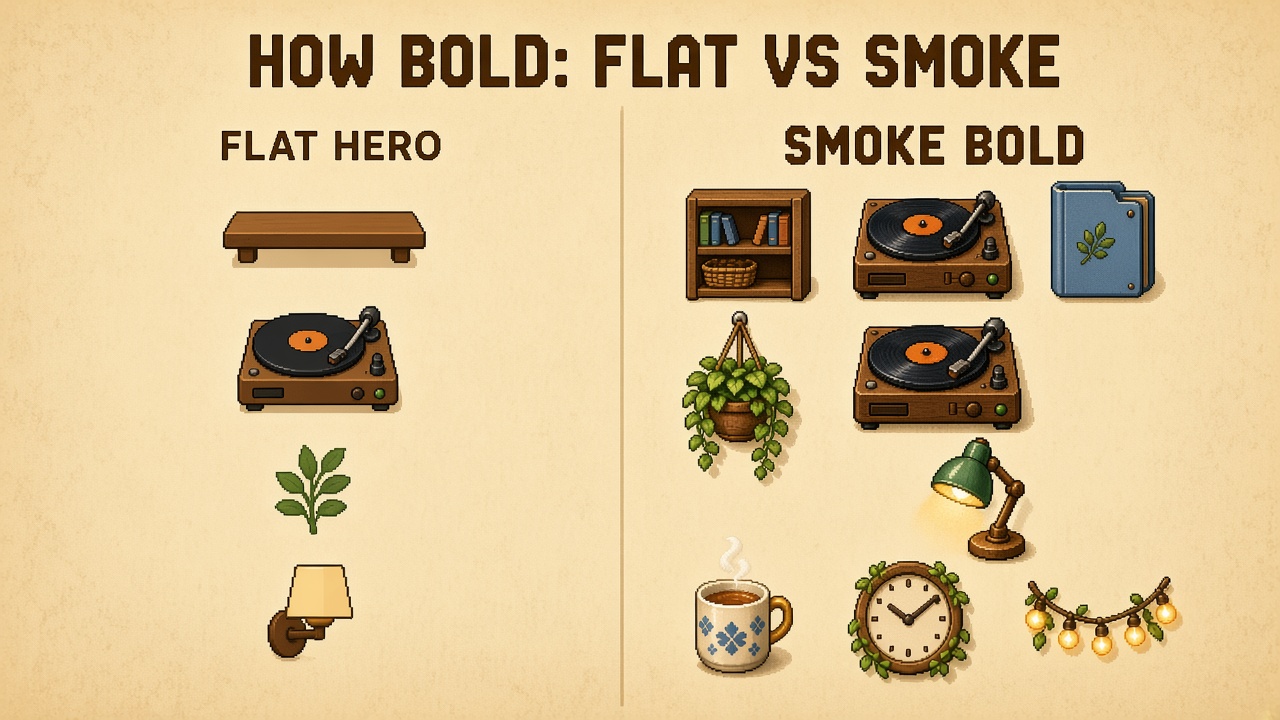
Decision locked (Option B): dial back full smoke-bold ornament, then promote the softer elevated language. Rooms stay rich; objects ship quieter than the bold ceiling comps. Details: smoke-bold/README.md.
| Asset | Path / where |
|---|---|
| Option B room target | `option-b-dialed-back-target.jpg` |
| A / B / C chooser | `options-abc-chooser.jpg` |
| Blank hearth / garden / moonroom rooms | `assets/backgrounds/smoke-*-blank.jpg` — Setup materials smoke-hearth, smoke-garden, smoke-moonroom |
| Placeable object sprites (10, dialed soft) | `assets/objects/smoke-bold/` — Catalog Elevated soft (keys still smoke-bold-*) |
| Bold ceiling archive (pre-dial-back) | `objects-bold-ceiling/` |
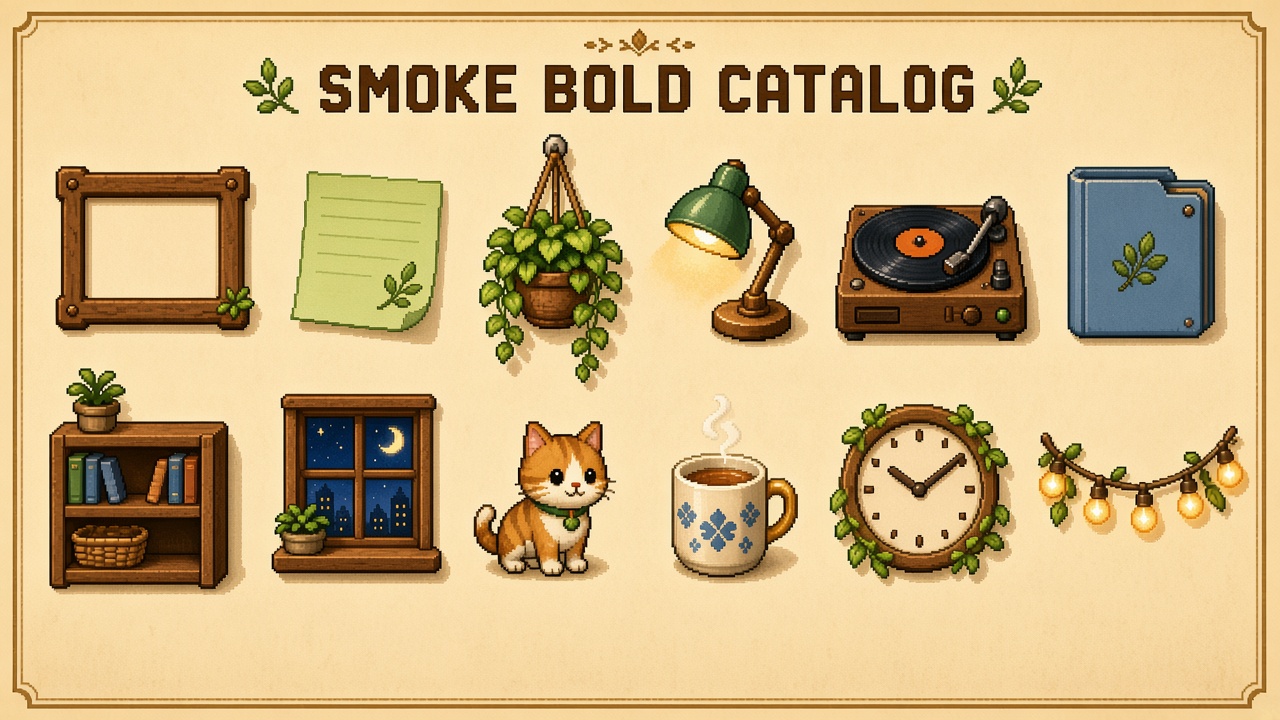
| Object catalog sheet (bold ceiling) | `smoke-bold-object-catalog.jpg` |
| Flat vs bold comparison | `smoke-bold-vs-flat-comparison.jpg` |
| Dressed wall comps (Studio) | hearth / moonroom / garden under `smoke-bold/` |
---
How to use this catalogue
1. Pick identity from the three moodboards (Hearth / Moonroom / Garden). 2. Pick craft lane roles from the style-lane boards (Visit ≈ Lofi, objects ≈ Maple, palette discipline ≈ SNES). 3. Reuse wall/item shots here before generating new comps — especially hearth wall-only, hero catalog, and marketing masters. 4. Commission against production paths in assets/objects/ so new art lands where the app already loads sprites. 5. Review smoke bold in Studio (#smoke) when deciding how far to elevate the hero set.
Gaps / next useful adds
- Redraw
smoke-bold-*sprites to the Option B dialed target, then promote as the default Hero path - Selectable window scenes on soft smoke rooms
- Explicit frame-style sheet (wood / chrome / minimal) as its own board
- Visit-mode day-cycle / weather / lamp combo board informed by the Fahim Arifen reference